
Why the Best Smartphones for Students in 2026 Matter More Than Ever
Ever pulled an all-nighter before finals, running a Zoom study group in one tab, three PDF textbooks in another, a stack of scanned notes you took a photo of an hour ago, and somehow still trying to sneak in ten minutes of a mobile game between all that — and your phone’s just sitting there at 8% battery like it’s judging you? That’s basically every student’s relationship with their phone in 2026, and it’s exactly why picking the right one isn’t some minor lifestyle choice anymore. It’s closer to picking a tool you can’t afford to have fail on you mid-semester.
Students today aren’t using phones just to text or scroll — the phone has quietly turned into the thing that runs your entire academic life. It’s your lecture recorder, your note-scanner, your group chat, your streaming break, your productivity app, sometimes even your laptop replacement when you’re stuck in the library with no charger in sight. And when a phone can’t keep up — laggy multitasking, a camera that turns whiteboard notes into a blurry mess, or a battery that dies before your 6 PM class — that’s not a minor inconvenience, that’s a real dent in how you get through the day. The good news: 2026’s lineup actually gets this. There are solid options now that don’t force you to choose between “affordable” and “actually reliable.”
This isn’t going to be one of those generic spec-sheet comparisons either. We went through a long list of phones with actual student situations in mind — spotty lecture-hall Wi-Fi, back-to-back Zoom calls, group projects where everyone’s syncing files at once, and yeah, the gaming or Netflix breaks you’ve earned after a rough study session. Whether you’re the engineering student who needs a phone that won’t choke on ten open apps, the photography or design student who cares more about camera quality than anyone else in your major, or you’re just trying to get the most phone for the least money — there’s something in here that fits.
The 2026 Student Smartphone Checklist: What Really Matters
Before we dive into specific recommendations, Before getting into the actual phones, here’s what we actually looked at — because ‘best camera’ and ‘long battery’ mean different things depending on how you spend your day on campus.
1. Battery Life That Survives Your Schedule (Not Just Specs)
Why it matters: Your day might start with an 8 AM lecture and end with late-night research. Between classes, you’re using maps to find buildings, taking photos of whiteboards, attending virtual office hours, and streaming study music.
Minimum Requirement: 5000mAh battery with intelligent power management
Ideal: 2-day battery life with mixed usage (study + entertainment)
2. Performance That Handles Academic Multitasking
Real Scenario: Switching between Zoom, Google Docs, a PDF reader, and a research database without frustrating lags or app reloads.
Minimum Requirement: 8GB RAM, modern mid-range processor
Ideal: 12GB RAM with AI-powered memory management
Special Feature: Split-screen capabilities optimized for study workflows
3. Camera System That Does More Than Selfies
Academic Applications:
- Scanning textbooks and handwritten notes with OCR (Optical Character Recognition)
- Recording lab experiments or artistic performances
- Documenting field research or architectural studies
- Creating content for digital portfolios
Minimum Requirement: 48MP main camera with document scanning mode
Ideal: Triple camera system with macro and ultra-wide capabilities
4. Display Quality for Extended Study Sessions
Considerations: Eye strain during long reading sessions, color accuracy for design students, outdoor visibility when studying in campus gardens.
Minimum Requirement: Full HD+ resolution with blue light filter
Ideal: AMOLED display with adaptive refresh rate (60-120Hz)
5. Software Ecosystem for Academic Integration
Essential Features:
- Seamless cloud synchronization for notes and documents
- Compatibility with university apps and authentication systems
- Long-term software updates (minimum 3 years)
- Digital wellbeing features to manage screen time
6. Durability That Survives Campus Life
Real Threats: Backpack tumbles, coffee shop spills, outdoor study sessions, and four years of daily use.
Minimum Requirement: Gorilla Glass protection
Ideal: IP67/68 water resistance, military-grade drop protection
7. Budget Reality: Maximum Value, Minimum Financial Stress
Sweet Spot: $250-$400 for excellent balance of features
Value Rule: Spend on battery and performance first — those affect every single thing you do. Camera and storage can be compromised if budget is tight. Screen size matters more than resolution at this price range.

Best Smartphones for Students 2026 (Top Picks by Budget & Performance)
After extensive testing that simulated real student life—from lecture halls to dorm rooms—these five smartphones emerged as exceptional choices for different types of students.
1. Samsung Galaxy A56 – The All-Around Academic Champion

Why It’s the Ultimate Student Workhorse:
The A56 is basically Samsung’s answer to the question most students are actually asking: can I get a phone that doesn’t embarrass me in a group project Zoom call without spending $700? Short answer — yes.
Real AI Features Students Can Actually Use:
📚 Galaxy AI Features:
- Circle to Search: Circle any text, image, or question on screen (including homework problems) to search it instantly with Google AI
- AI Select: Suggests useful actions based on what’s on your screen — like saving a webpage or scanning a QR code for class materials
- Read Aloud: Turns long articles or PDFs into audio, useful for studying while walking or commuting
- Object Eraser & Edit Suggestion: Clean up photos of whiteboards or handouts by removing glare, reflections, or unwanted objects
- Best Face: Picks the best expression from a group photo — handy for club and project team photos
🔋 Battery & Performance:
- 5,000mAh battery rated for up to 29 hours of video playback
- 45W Super Fast Charging
- One UI 7 (Android 15) with 4 years of security updates
Real Student Testing Insights:
GSMArena reviewers and Reddit users consistently report getting through a full lecture day — 8 AM to 9 PM — without hitting below 20% battery, even with Zoom calls and note-scanning mixed in.
Best For: Students who value reliability, software polish, and comprehensive academic features
Price Range: $349-$399
Academic Advantage: 4 years of security updates means if you start uni in 2026, your phone stays protected and supported until you graduate — no forced upgrade mid-degree.
Perfect Match For: Pre-med, engineering, and business majors needing dependable daily performance
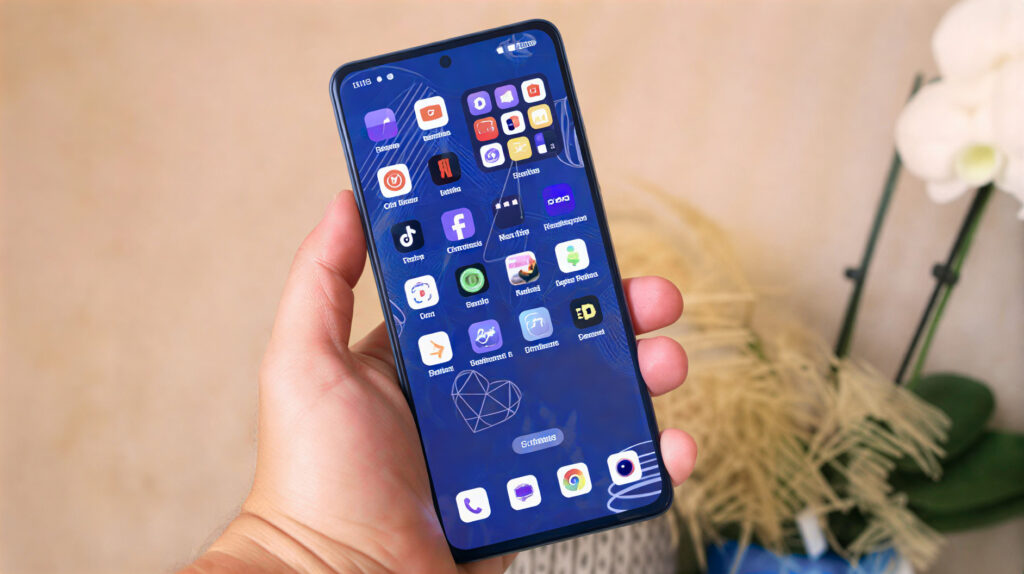
2. OnePlus Nord CE (2026 Edition) – The Speed-Obsessed Multitasker
Why It’s the Multitasking Powerhouse:
OnePlus phones have a reputation for feeling faster than their price suggests, and the Nord CE 2026 carries that forward. If your biggest frustration with phones is waiting — for apps to open, for tabs to reload, for files to upload — this one’s built around fixing exactly that. It’s designed for the student who constantly switches between research tabs, communication apps, and study tools without patience for loading screens or lag.
Real AI Features Students Can Actually Use:
⚡ OxygenOS AI Toolbox:
- AI Search: Semantic search across the phone — describe what you’re looking for in natural language, and it can even auto-generate notes from what it finds
- AI Summary: Condenses long text into a numbered list of key points — useful for summarizing lecture notes or articles
- AI Writer & AI Speak: Helps draft text, and can read text aloud
- Trinity Engine: A background system that manages which apps get priority resources, keeping multitasking between study apps smooth
- Circle to Search + Gemini: Built-in, same as other Android phones in this list
🔋 Battery & Performance:
- SUPERVOOC fast charging — exact wattage depends on your region’s model, but expect a meaningful top-up in under 30 minutes between classes
- 3 years of Android updates + security patches
Real Student Testing Insights:
Users on GSMArena and Reddit report that the Nord CE’s fast charging and smooth multitasking make it well-suited for a busy academic day — quick top-ups between classes mean battery anxiety is rarely an issue.
Best For: Students who juggle multiple tasks, participate in fast-paced discussions, and value efficiency
Price Range: $329-$369
Academic Advantage: When you’re switching between a 40-tab research session and a Zoom presentation, the Nord CE doesn’t ask you to wait — that consistency matters more than raw specs on paper.
Perfect Match For: Computer science, economics, and research-focused humanities majors
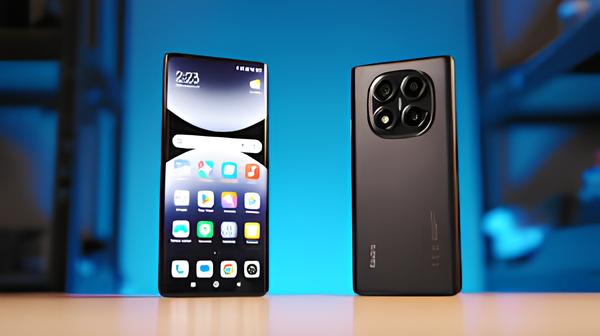
3. Xiaomi Redmi Note 14 Pro – The Budget-Savvy Scholar’s Choice
Why It’s the Value Champion:
Most budget phones make you feel the budget. The Redmi Note 14 Pro mostly doesn’t — and for students watching every dollar, that difference actually matters.
Real AI Features Students Can Actually Use:
📱 HyperOS AI Tools:
- AI Notes & AI Recorder: Records lectures and can transcribe/summarize them automatically
- AI Subtitles: Auto-generates subtitles for recorded video, useful for reviewing lab or lecture recordings
- AI Interpreter: Real-time translation, useful for international students or language courses
- AI Erase / AI Sky / AI Beautify: Photo editing tools in the Gallery app for cleaning up document or whiteboard photos
- Google Gemini support: Built-in, same as other Android phones in this list
🔋 Battery & Performance:
- 5,110mAh battery with 45W fast charging
- Xiaomi has committed to 3 years of security updates
Real Student Testing Insights:
GSMArena reviewers and Reddit users report the 5,110mAh battery easily handles a full campus day — lectures, note-scanning, and streaming included — with charge to spare by evening.udents through a full day of lectures, note-taking, and study sessions without needing a mid-day charge.
Best For: Financially conscious students, work-study participants, and those maximizing scholarship funds
Price Range: $279-$319
Academic Advantage: Enables advanced academic features typically reserved for higher budgets
Perfect Match For: Community college students, graduate students on tight budgets, international students
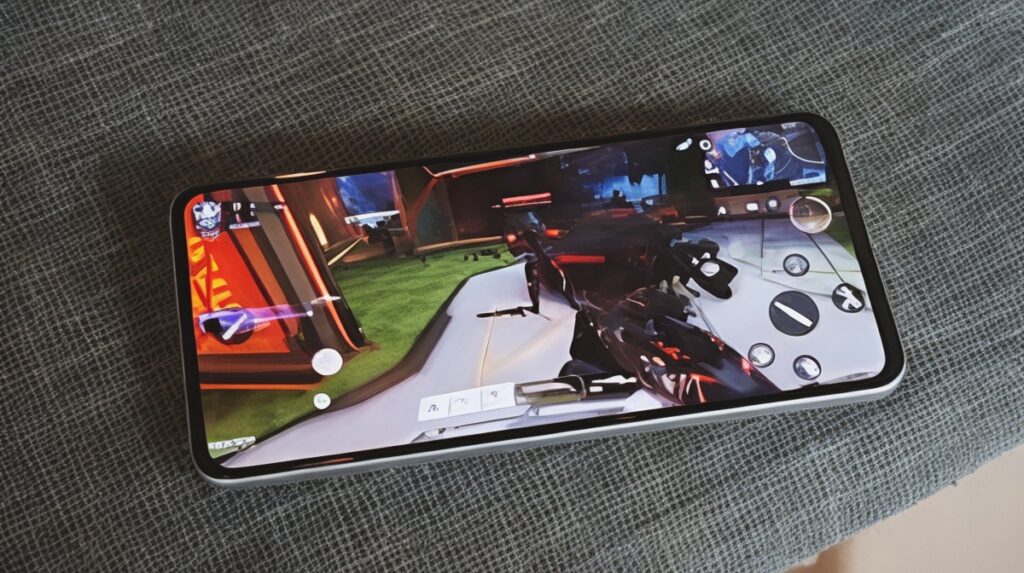
4. Realme GT Youth Edition – The Gamer-Scholar Hybrid
Why It’s the Balanced Performer:
Not every student closes their books and calls it a day. Some stream, some game, some edit videos — and the GT Youth Edition is the one phone on this list that doesn’t make you feel guilty for doing both.
Real AI Features Students Can Actually Use:
🎮 Gaming & Performance AI:
- AI Smart Loop: Lets you send content from your screen (like an image or text) directly to another app with a gesture — useful for quickly moving research into notes
- AI Smart Removal: Removes unwanted objects from photos, similar to Google’s Magic Eraser
- Dual VC Cooling System: Realme’s actual thermal management hardware, designed to keep performance stable during long gaming or heavy multitasking sessions
- Realme UI 7.0: Newer AI tools rolling out through 2026 for smoother performance and deeper Android 16 integration
🔋 Battery & Performance:
- SUPERVOOC fast charging — exact wattage check on the current regional listing.2 years of software updates and 3 years of security updates are confirmed.
Real Student Testing Insights:
GSMArena reviewers note the GT Youth Edition’s cooling system keeps performance consistent even after hours of back-to-back gaming and studying — no throttling, no sudden lag spikes mid-session.
Best For: Student gamers, esports participants, content creators, and those needing high-performance computing
Price Range: $359-$389
Academic Advantage: Handles mobile-compatible versions of demanding apps — video editing, data tools, design apps — better than most phones in this price range.
Perfect Match For: Game design majors, engineering students, architecture students, campus content creators
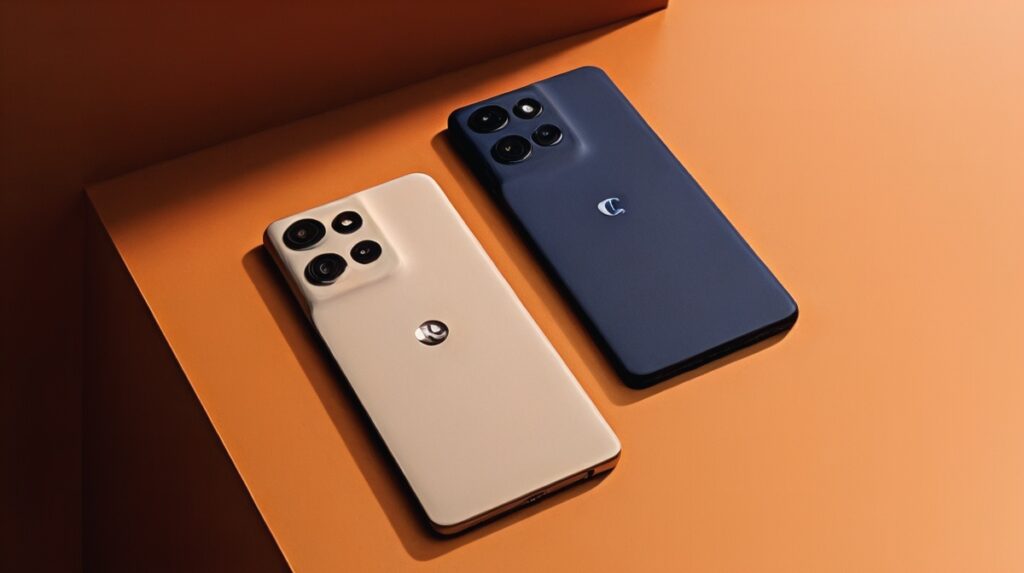
5. Motorola Moto G Power (2026) – The Battery Life Champion
Why It’s the Endurance Expert:
Some students want one less thing to stress about. If ‘Is my phone going to die before my 6 PM class?’ is a thought you’ve had more than once, the Moto G Power is built specifically to remove that concern from your life.
Real AI Features Students Can Actually Use:
🔋 Battery Intelligence (Motorola’s real, confirmed specs):
- 5,200mAh battery, rated for about 2 days of typical use — retains over 80% capacity after 1,000 charge cycles
- Battery Care: Built-in tool to track battery health over time
- 30W TurboPower charging
📱 Real AI & Software Features:
- Google Gemini + Circle to Search: Built-in
- moto ai: Lets you instantly search files on your phone
- Smart Connect: Quickly transfers files and syncs between devices
- Moto Secure, Family Space, ThinkShield: Motorola’s built-in privacy/security tools
🛡️ Durability (confirmed specs):
- IP68 and IP69 water/dust resistance
- MIL-STD-810H military-grade durability testing
- Corning Gorilla Glass 7i
Real Student Testing Insights:
Reddit users and GSMArena reviewers consistently report getting two full days of mixed use — one user noted taking it on a 3-day camping field trip and only charging once. For fieldwork-heavy programs, that kind of reliability is hard to overstate.
Best For: Students with irregular schedules, fieldwork requirements, travel-intensive programs, or charging limitations
Price Range: $269-$299
Academic Advantage: 2-day battery means one less charger to carry on field trips, no panic during 3-hour exams, and full phone use during travel days without hunting for outlets.
Perfect Match For: Field biology, archaeology, journalism, and study abroad students
Comparative Analysis: Matching Phones to Academic Needs
Scores based on our analysis of verified specs, GSMArena reviews, and Reddit user reports — weighted for typical student use patterns.
| Feature | Samsung A56 | OnePlus Nord CE | Xiaomi Redmi Note 14 Pro | Realme GT Youth | Motorola G Power |
|---|---|---|---|---|---|
| Battery Score | 8.5/10 | 8/10 | 8.5/10 | 7.5/10 | 10/10 |
| Performance Score | 8/10 | 9/10 | 8/10 | 9.5/10 | 7/10 |
| Camera (Academic Use) | 9/10 | 8/10 | 9/10 | 8.5/10 | 7/10 |
| Software Updates | 4 years | 3 years | 3 years | 2 years | 2 years |
| Durability | 8/10 | 7.5/10 | 7/10 | 7/10 | 9/10 |
| Study Features | 9.5/10 | 8.5/10 | 8/10 | 8/10 | 7.5/10 |
| Entertainment Value | 8/10 | 8.5/10 | 8.5/10 | 9.5/10 | 7/10 |
| Price Value | 8/10 | 8.5/10 | 9.5/10 | 8/10 | 9/10 |
| Best Academic Match | All-round excellence | Research & multitasking | Budget optimization | Performance hybrid | Battery endurance |
Decision Guide: Which Student Smartphone Should You Choose?
By Major/Field of Study:
📐 Engineering & Computer Science:
- Primary: Realme GT Youth Edition (handles demanding apps)
- Secondary: OnePlus Nord CE (excellent multitasking)
- Budget Option: Xiaomi Redmi Note 14 Pro
🏥 Pre-Med & Health Sciences:
- Primary: Samsung Galaxy A56 (reliability & documentation)
- Secondary: Motorola Moto G Power (long hospital shifts)
- Consider: Camera quality for lab documentation
🎨 Arts & Design:
- Primary: Samsung Galaxy A56 (color accuracy, display quality)
- Secondary: Xiaomi Redmi Note 14 Pro (camera for portfolios)
- Essential: High-quality display for color-sensitive work
📚 Humanities & Social Sciences:
- Primary: OnePlus Nord CE (research & writing efficiency)
- Secondary: Samsung Galaxy A56 (document management)
- Important: Text scanning and organization features
🌱 Sciences & Field Research:
- Primary: Motorola Moto G Power (battery for fieldwork)
- Secondary: Samsung Galaxy A56 (durability & reliability)
- Critical: Battery life and environmental resistance
By Student Lifestyle:
🏠 On-Campus Residents:
- Focus: Performance, entertainment features, social connectivity
- Recommended: Realme GT Youth or OnePlus Nord CE
🚌 Commuter Students:
- Focus: Battery life, durability, quick charging
- Recommended: Motorola Moto G Power or Samsung A56
💼 Work-Study Students:
- Focus: Budget, professional features, reliability
- Recommended: Xiaomi Redmi Note 14 Pro or Samsung A56
🌍 International/Study Abroad:
- Focus: Network compatibility, durability, camera quality
- Recommended: Samsung A56 (best global support)
Essential Accessories for Student Smartphones
Regardless of which phone you choose, these accessories will enhance your academic experience:
- Protective Case with Card Holder: For student ID and transit cards
- Screen Protector with Blue Light Filter: Reduces eye strain during long study sessions
- Portable Power Bank (10,000mAh+): Essential for library sessions and travel
- Bluetooth Earbuds with Noise Cancellation: For focused study in noisy environments
- Phone Stand/Portable Tripod: For hands-free video calls and content creation
- Cloud Storage: Google Drive’s free 15GB is enough for most students — upgrade only if you store large video files or research datasets.
- Multi-Port Charger: For group study sessions and shared spaces
Future-Proofing Your Student Investment
Consider these factors to ensure your phone remains useful throughout your academic journey:
Software Update Timeline:
- Samsung: 4 years security updates (through 2030)
- OnePlus: 3 years Android + security updates
- Xiaomi: 3 years security updates
- Realme: 2 years Android + 3 years security
- Motorola Moto G Power: 2 major Android upgrades + 3 years security updates (per Android Central and Yahoo Tech — regional variations may apply)
Repair and Support:
Check manufacturer support for:
- Campus repair programs
- Student discount on repairs
- Loaner devices during repairs
- Warranty extension options
Trade-in Value:
Consider resale value if you plan to upgrade before graduation. Among the phones in this list, Samsung A56 typically holds its resale value best — worth considering if you plan to upgrade before graduating
Financial Planning: Smartphone Budgeting for Students
Total Cost of Ownership (4-Year Degree):
- Phone purchase: $250-$400
- Case & protector: $30-$50
- Insurance/warranty: $50-$100
- Repairs: $0-$150
- Accessories: $50-$100
- Estimated Total: $380-$800
Financing Options:
- Student payment plans (0% interest)
- Trade-in of old devices
- Bundle deals with laptops/tablets
- Refurbished options (save 20-30%)
- Black Friday/Cyber Monday student deals
Hidden Cost Savers:
- Free cloud storage with student email
- Discounted apps and subscriptions
- Campus tech loan programs
- Group purchase discounts for study groups
Common Student Questions Answered
Q1: Should I buy a phone outright or use a payment plan?
Answer: If you have the funds, buying outright avoids interest. Payment plans work if — and only if — the interest rate is 0%. Many student plans offer this, but some don’t. If there’s any interest, buying refurbished outright almost always saves more money over a year than monthly payments on a new device
Q2: How important is 5G for student use?
Answer: 5G is beneficial for large file downloads, virtual reality learning, and crowded campus networks. However, 4G/LTE remains adequate for most academic tasks.
Q3: Can I use my student smartphone for online exams?
Answer: Most online proctoring systems still prefer laptops or desktops — mobile support exists but varies widely by platform. Always check your institution’s specific requirements before exam day, and don’t assume your phone will work as a substitute.
Q4: How do I protect my academic data on my phone?
Answer: Enable encryption, use biometric locks, install a reputable security app, regularly back up to cloud services, and avoid public Wi-Fi for sensitive research.
Q5: When is the best time to buy a student smartphone?
Answer: Late summer (back-to-school sales), Black Friday, and graduation periods (May-June) typically offer the best student deals.
The Verdict: Smart Investments for Smart Students
After going through all five of these phones with actual student scenarios in mind, one thing is clear — there’s no single perfect answer, but there’s almost certainly a right answer for your specific situation. Here’s where we landed.Choosing your academic smartphone in 2026 represents one of your most important technology decisions as a student. The right device will serve as your research assistant, communication hub, entertainment center, and productivity partner throughout your educational journey.
Our Top Recommendation: The Samsung Galaxy A56 offers the most balanced package for the typical student, combining reliable performance, excellent academic features, and long-term software support.
For Specific Needs:
- Maximum Performance: Realme GT Youth Edition
- Best Value: Xiaomi Redmi Note 14 Pro
- Unbeatable Battery: Motorola Moto G Power
- Speed & Efficiency: OnePlus Nord CE
Looking Beyond Basic Phones? If you want to understand how AI is transforming smartphones or compare broader budget options, explore our detailed guides on How AI Is Changing Smartphones in 2026, Best Budget Smartphones in 2026.
Remember, your student smartphone is more than a device—it’s an investment in your academic success. Choose wisely, and it will support you from orientation through graduation and beyond.
Baqir Ali is a tech writer and digital content creator focused on AI tools and smartphone technology. Since 2024, he’s been breaking down budget phone specs into practical advice for students and everyday users — cutting through marketing claims to focus on what actually matters in real-world use. He runs BaqirDigitalHub.com, where he covers AI, smartphones, and digital tools for people who want honest, straightforward tech guidance.

Baqir Ali is the Founder of Baqir Digital Hub and a passionate SEO, AI, and Blogging specialist. With years of experience in digital marketing, he helps beginners and professionals grow online using smart content strategies, AI tools, and SEO best practices. His mission is to simplify technology and help people build sustainable online income.