
📋 What You’ll Discover in This Guide
- Why phishing attacks have exploded in 2026 — and why your eyes can’t spot every fake
- How AI phishing detection smartphones 2026 analyze links and messages in real time
- The invisible protection inside SMS, WhatsApp, and your browser
- Real examples of phishing attacks that AI catches every day
- Which smartphones offer the best AI phishing protection
- How to enable AI security features on your phone right now
Why Phishing Attacks Are Exploding in 2026
Your phone buzzes. A text message from “your bank”:
“Your account has been locked due to suspicious activity. Verify immediately: https://secure-bank-verify.com“
You’re busy. You’re stressed. You almost click.
That click could cost you everything.
Welcome to 2026 — the year phishing went nuclear.
The numbers are staggering:
- Phishing remains the most reported cybercrime, with the Anti-Phishing Working Group tracking millions of new phishing sites every year — and AI tools have made these messages far harder to spot
- SMS scams make up a large and growing share of mobile fraud.
- WhatsApp scam links spread faster than ever before
- Fake login pages look identical to real ones — even experts get fooled
Hackers have perfected their craft. They send messages that look exactly like:
- Your bank’s official SMS
- Amazon delivery notifications
- Government service alerts
- Password reset emails
- Crypto investment opportunities
The old advice — “look for spelling mistakes” or “check the URL carefully” — doesn’t work anymore. Scammers now use AI to create perfect messages with flawless grammar and real-looking links.
This is where AI phishing detection smartphones 2026 come in. They don’t rely on your eyes. They analyze every link, every message, every sender in real time — and warn you before you make a mistake.
For a broader look at how AI is protecting you from digital scams, check out our guides on AI Call Screening in Smartphones 2026 and AI Voice Cloning Scam Detection on Smartphones in 2026.
What Is Phishing and How Hackers Trick Smartphone Users
Phishing is when scammers pretend to be trusted organizations to steal your:
- Passwords
- Credit card details
- Bank account information
- Personal identity data
Common Phishing Attacks in 2026:
Fake Bank Messages
“Alert: Unusual login detected. Confirm your identity: [fake link]”
Delivery Scam Links
“Your package is waiting. Update delivery preferences: [fake link]”
Account Verification Scams
“Your account will be suspended in 24 hours. Verify now: [fake link]”
Crypto Investment Scams
“Limited time: Double your crypto in 24 hours. Join here: [fake link]”
Password Reset Scams
“Someone tried to access your account. Reset password here: [fake link]”
Why They Work So Well:
| Tactic | What Scammers Do |
|---|---|
| Urgency | “Act now or your account will be closed” |
| Fear | “Suspicious activity detected” |
| Greed | “You’ve won a prize — claim now” |
| Trust | Fake messages from “your bank” or “government” |
| Perfect fakes | AI-generated messages with no spelling mistakes |
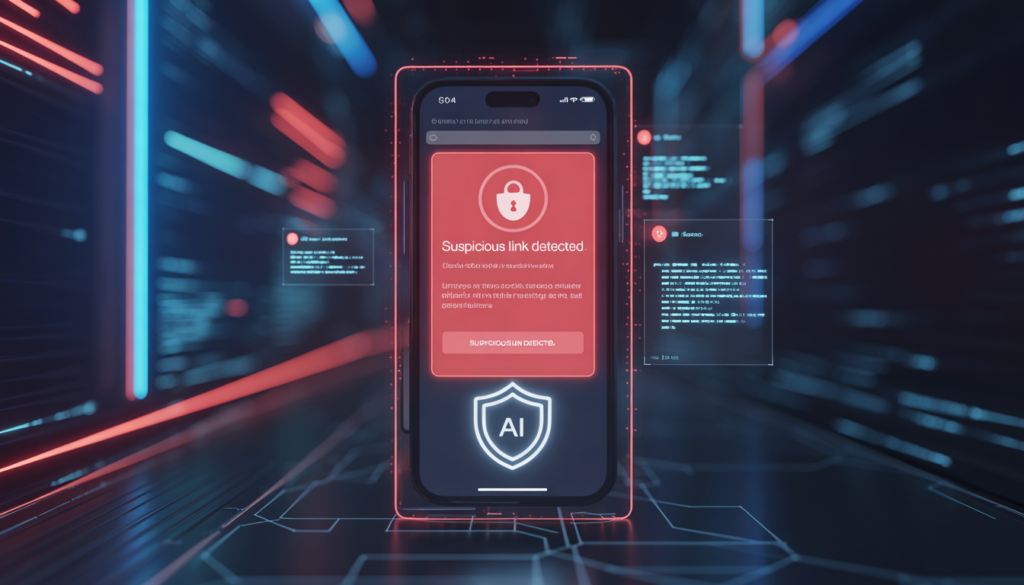
How AI Detects Phishing Links Instantly
Modern AI phishing detection smartphones 2026 use multiple layers of analysis to identify dangerous links before you click them.
AI Link Analysis
When a link arrives in your message, AI immediately examines:
- URL structure: Is it hiding the real destination? Does it use IP addresses instead of domain names?
- Character substitution: Is “paypal” written with Cyrillic characters that look identical?
- Redirect chains: Does the link pass through multiple suspicious servers?
- URL shorteners: Scammers hide behind shortened links — AI expands and checks them
The scale of the problem is staggering — the Anti-Phishing Working Group recorded over 5 million phishing sites in 2024 alone, and scammers constantly tweak URLs to slip past manual checks.
Domain Reputation Scanning
Every domain has a history. AI checks:
- Domain age: Most phishing sites are less than 7 days old
- SSL certificate: Does it have one? Is it properly issued?
- Blacklist status: Has this domain been reported for phishing?
- Similarity scores: Does the domain mimic a real brand? (paypa1.com vs paypal.com)
Message Pattern Detection
Phishing messages follow patterns. AI recognizes:
- Urgency triggers: “Immediately,” “within 24 hours,” “suspended”
- Threat language: “Legal action,” “account closed,” “police report”
- Request patterns: “Verify,” “confirm,” “update your details”
- Sender analysis: Does the sender match the claimed organization?
Real-Time Scam Prediction
This is where AI phishing detection smartphones 2026 become truly powerful. AI models trained on millions of scam messages can:
- Predict new scam patterns before they become widespread
- Identify AI-generated scam messages that look perfect
- Flag messages that match emerging threat intelligence
- Learn from user reports globally (anonymously)
All of this happens in under 0.3 seconds — before your finger even touches the link.
AI Protection Inside Messaging Apps
AI security is built directly into the apps you use every day.
SMS Protection
Google Messages and Samsung Messages now include:
- Real-time scam detection for every incoming text
- Spam reporting that improves AI models globally
- Link scanning before you click
- Warning banners for suspicious messages
⚠️ “This message looks suspicious. It contains a link to a known scam domain.”
WhatsApp Security
WhatsApp’s AI protection includes:
- Suspicious link warnings
- Forwarded message detection — messages forwarded many times get flags
- Unknown sender alerts
- Scam pattern recognition in group messages
Email Protection
Gmail, Outlook, and other email apps use AI to:
- Filter the vast majority of phishing emails to spam
- Show warnings for suspicious external links
- Detect spoofed sender addresses
- Identify malicious attachments
Browser Protection
Chrome and Safari now include:
- Safe Browsing AI that checks every site you visit
This is real, large-scale protection — Google’s own Safe Browsing service now protects over 5 billion devices worldwide every day, checking sites across Chrome, Gmail, Android, and more before you ever reach them. - Real-time phishing detection — not just downloaded lists
- Password breach alerts if you enter credentials on suspicious sites
- Automatic form filler protection for fake login pages
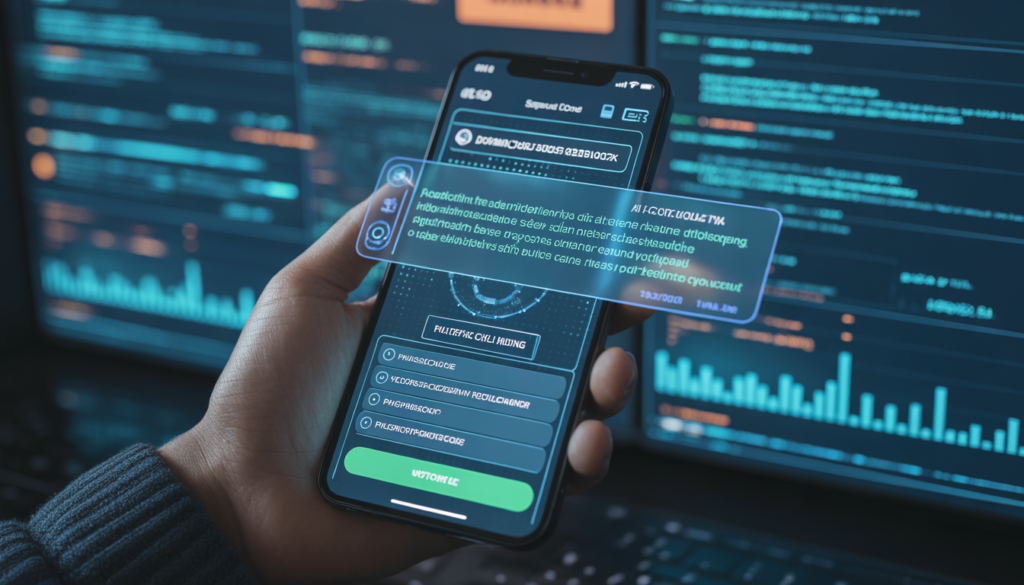
Real Examples of Phishing Attacks AI Can Stop
Here are real-world examples of phishing that AI phishing detection smartphones 2026 catch every day:
Fake Bank Alert
Message: “Your account has been locked. Verify identity: hxxps://secure-bank-verify[.]com”
What AI detects:
- Domain registered 2 days ago
- SSL certificate self-signed
- URL mimics real bank but with extra words
- Sender number not associated with any bank
- Urgency language pattern matches known scams
Result: ⚠️ Red warning — user doesn’t click
Package Delivery Scam
Message: “Your package is waiting. Update delivery: hxxps://usps-delivery[.]net”
What AI detects:
- Domain registered 6 hours ago
- No association with actual USPS
- Multiple reports from other users
- URL structure matches known scam pattern
Result: Message automatically filtered to spam
Password Reset Scam
Message: “Someone tried to access your account. Reset password: hxxps://accounts-google[.]security”
What AI detects:
- “Google” misspelled in domain
- Domain age: 1 day
- SSL certificate issued to different entity
- Link redirect chain through suspicious servers
Result: ⚠️ “Suspicious link — do not click” warning
Crypto Investment Scam
Message: “Double your Bitcoin in 24 hours. Limited offer: hxxps://crypto-double[.]xyz”
What AI detects:
- .xyz domain with no reputation
- “Double your money” language matches known scams
- Reported by 1,200+ users globally
- No legitimate company information
Result: Message blocked automatically
Which Smartphones Have the Best AI Phishing Protection
Different manufacturers approach AI security differently. Here’s what the leaders offer:
Google Pixel AI Security
- Tensor G6 chip with dedicated AI processing
- Google Messages scam detection built-in
- Chrome Safe Browsing enhanced by AI
- Real-time link analysis on all messages
- Call Screen AI also catches SMS scams
Samsung AI Protection
- Knox AI security with message scanning
- Samsung Messages spam filter AI-powered
- Web protection in Samsung Internet browser
- Link analysis in Samsung Email
- Secure Folder for sensitive accounts
Apple AI Scam Detection
- iMessage spam protection AI-enhanced
- Safari fraud detection with real-time updates
- Mail privacy protection with link scanning
- App Store review includes phishing checks
- Password monitoring for breached credentials
Comparison Table: AI Phishing Protection
| Feature | Budget Phones | Mid-Range | Flagship |
|---|---|---|---|
| SMS scam detection | Basic | Advanced | Real-time AI analysis |
| Link analysis | Limited | Yes | Full AI-powered |
| Domain reputation check | ❌ | Yes | Real-time scanning |
| Browser protection | Basic | Advanced | AI-enhanced |
| On-device AI chip | Basic NPU | Mid-tier NPU | Dedicated security AI |
The sweet spot: Mid-range phones from 2026 (Google Pixel 7a/8a, Samsung Galaxy A55/A56, OnePlus Nord CE) offer much of the same core AI phishing protection at a noticeably lower price.
👉 Looking for affordable phones with strong AI security? Read our Best Budget AI Smartphones in 2026 guide to compare secure options.
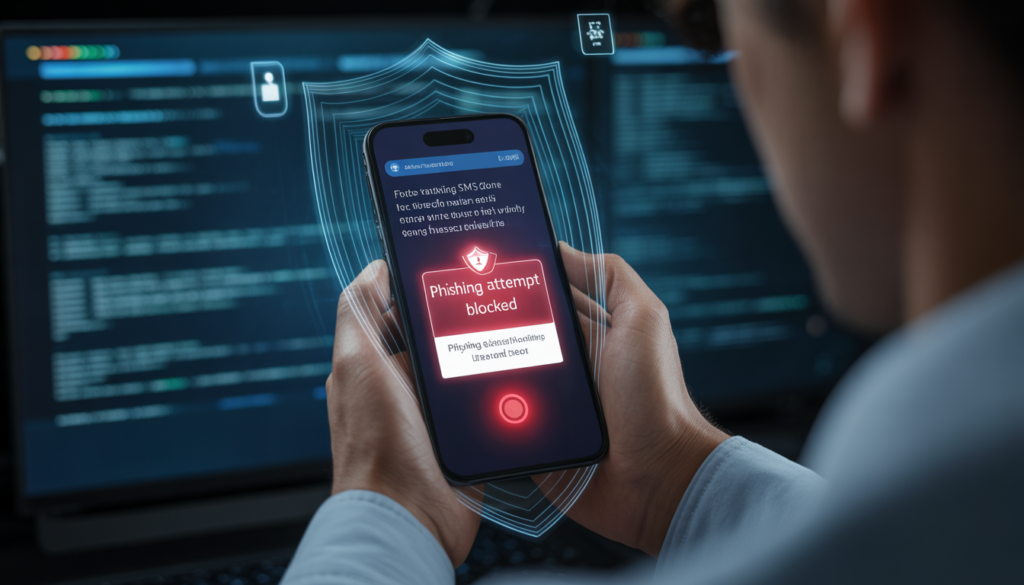
How to Enable AI Phishing Protection on Your Phone
For Android Users
Google Messages (Default SMS App)
- Open Google Messages
- Tap three dots → Settings → Spam protection
- Enable “Enable spam protection”
Google Chrome Browser
- Open Chrome
- Three dots → Settings → Privacy and security
- Enable “Safe Browsing (Enhanced protection)”
Additional Security Settings
- Settings → Security → Google Play Protect
- Enable “Scan device for security threats”
- Turn on “Real-time scanning”
For iPhone Users
iMessage Spam Protection
- Settings → Messages
- Enable “Filter Unknown Senders”
- Enable “Report Junk”
Safari Fraud Protection
- Settings → Safari
- Enable “Fraudulent Website Warning”
Mail Privacy Protection
- Settings → Mail → Privacy Protection
- Enable “Protect Mail Activity”
Password Monitoring
- Settings → Passwords → Security Recommendations
- Enable “Detect Compromised Passwords”
Future of AI Scam Detection on Smartphones
What’s coming in 2027 and beyond:
Predictive Scam Detection
AI will predict which users are most likely to be targeted and provide enhanced protection. Elderly users, crypto investors, and small business owners may get extra security layers.
AI Scam Call + Message Integration
Your phone will connect scam calls and scam messages — if you got a scam call, it will warn you about related scam messages.
Automatic Scam Blocking
Instead of just warnings, AI will:
- Auto-delete scam messages
- Block scam senders at network level
- Report scams to authorities automatically
- Warn your contacts if your account is compromised
Cross-Platform Protection
AI will coordinate security across:
- SMS
- Telegram
- Signal
- Social media DMs
Creating a unified defense against phishing everywhere.
FAQ: Your AI Phishing Detection Questions Answered
Q1: Can AI detect phishing links automatically?
Yes. Modern AI phishing detection smartphones 2026 analyze every link in messages, emails, and browsers in real time — before you click. They check domain reputation, URL structure, and scam patterns instantly.
Q2: How do scammers send phishing messages?
Scammers use automated tools to send thousands of messages via SMS, WhatsApp, and email. They spoof sender IDs to look like legitimate organizations. Some even set up fake cell towers to send messages directly.
Q3: Can smartphones block scam messages automatically?
Yes. Google Messages, Samsung Messages, and iMessage can automatically filter suspicious messages to spam. For high-confidence scams, they can block them completely.
Q4: Are phishing attacks increasing in 2026?
Yes. Phishing remains the most reported cybercrime, with the Anti-Phishing Working Group tracking millions of new phishing sites every year — and AI tools have made these messages far harder to spot. AI-generated messages are harder to detect, and scammers constantly evolve their techniques.
Q5: Which phones have the best scam protection?
Google Pixel (Tensor AI), Samsung (Knox AI), and iPhone (Secure Enclave) lead in AI-powered phishing protection. Mid-range options from these brands offer excellent protection too.
Q6: Does AI phishing detection work offline?
Yes. Most analysis happens on-device through dedicated AI chips. Domain reputation databases update regularly and work offline.
Q7: Can AI detect scams in WhatsApp and Telegram?
Yes. Modern AI protection works across all messaging apps at the system level. Links in any app are scanned before you click.
Q8: How accurate is AI phishing detection?
Current systems catch the vast majority of phishing attempts, though no system is perfect — false positives (blocking safe links) remain rare, and false negatives (missing scams) are continuously improving.
As mobile threats become more advanced, smartphones must evolve too. AI phishing detection smartphones 2026 represent a major shift from reactive security to proactive protection — stopping scams before they can steal your data.
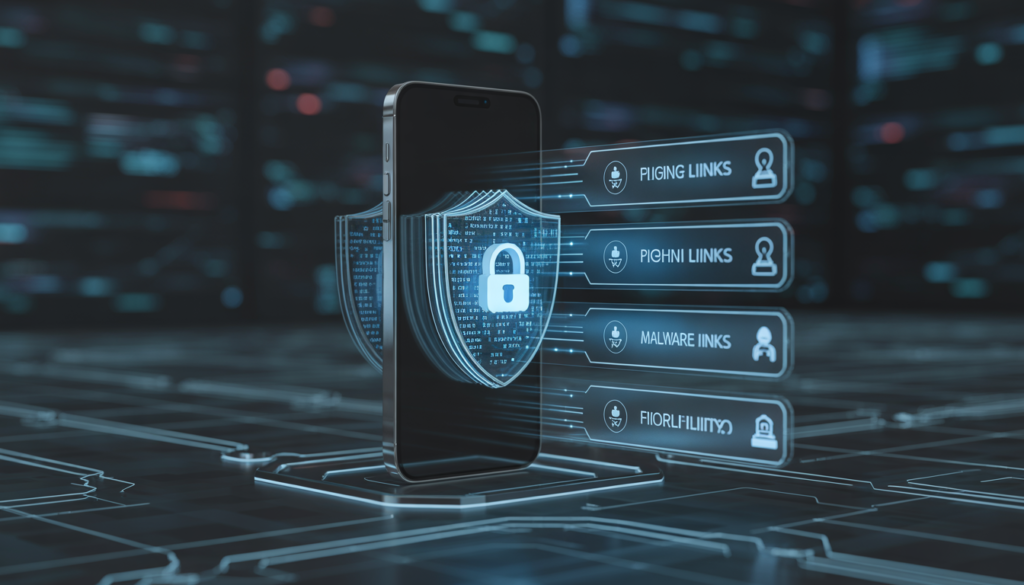
Conclusion: Your Phone’s AI Is Your Best Defense Against Scams
The days of “look for spelling mistakes” are over. In 2026, phishing messages are perfect — flawless grammar, real-looking links, and terrifyingly convincing.
But here’s the good news:
AI phishing detection smartphones 2026 fight back. They analyze every link, every message, every sender in real time. They warn you before you click. They block scams automatically. They protect your bank accounts, your identity, and your family.
AI scam detection isn’t just a convenience — it’s essential digital armor for everyone who uses a smartphone. Whether you’re a teenager getting SMS, a professional checking email, or a parent protecting family group chats, AI security keeps you safe.
When you choose your next phone, don’t just check the camera specs. Ask:
- Does it have on-device AI phishing detection?
- Can it analyze links in real time?
- Does it protect SMS, WhatsApp, and email?
- Are security updates regular?
Because in a world where one wrong click can empty your bank account, your phone’s AI is your last line of defense.
🔗 Related Guides on AI Smartphone Security
- AI Call Screening in Smartphones 2026: How AI Automatically Blocks Scam Calls
- AI Voice Cloning Scam Detection on Smartphones in 2026
- AI App Malware Detection Smartphones 2026: How AI Stops Dangerous Apps
- How AI Detects Fake News & Deepfakes on Smartphones in 2026

Baqir Ali is the Founder of Baqir Digital Hub and a passionate SEO, AI, and Blogging specialist. With years of experience in digital marketing, he helps beginners and professionals grow online using smart content strategies, AI tools, and SEO best practices. His mission is to simplify technology and help people build sustainable online income.