
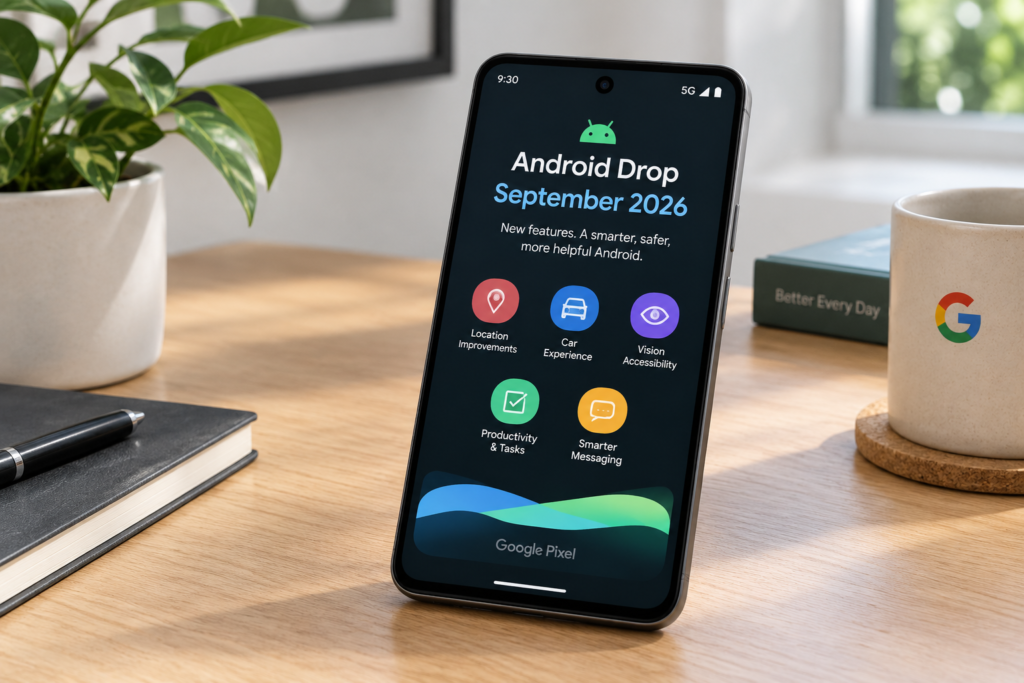
Google announced its September 2026 Android Drop on September 1, rolling out five new features across Android devices. The announcement came from Erik Kay, VP of Engineering at Google, and covers a mix of AI tools, accessibility improvements, and messaging upgrades. Some features require the latest Android version, while others work on phones as old as Android 9. Here’s what each feature does, how to get it, and one notable absence from this drop.
The 5 New Features
Google’s September drop is smaller than previous releases, but it targets practical, everyday use cases rather than experimental AI.
1. Find Hub Remembered
Find Hub is Google’s device-tracking network. The new “Remembered” feature extends it to items that don’t have a tracker attached.
You tell Gemini: “Hey Google, remember I put my passport in the bedroom drawer.”
The phone stores that information and can recall it later when you ask where you left something. It’s essentially a memory layer for physical items — no Bluetooth tracker required.
Practical use: Keys, wallets, passports, documents — anything you’d normally forget.
Availability: Works on Android 16 and above, with Gemini as the default assistant.
Source: Droid-Life
2. Motion Assist
Motion Assist is aimed at people who feel sick while using their phone in a moving vehicle.
When the phone detects you’re in a car or bus, it activates the front camera and displays small moving dots on the screen that match the vehicle’s motion. The idea is to reduce the sensory mismatch between what you see on the screen and what your body feels — a common cause of motion sickness.
This feature requires Android 17. It uses the front camera continuously while active, so Google has noted it’s opt-in and can be turned off at any time.
Note: Motion Assist is a comfort feature, not a medical treatment. If you experience persistent motion sickness, consult a healthcare professional.
Source: Gizmochina
3. Guided Vision
Guided Vision is an accessibility feature built into Gemini Live. It provides real-time audio descriptions of the user’s surroundings through the phone’s camera.
For visually impaired users, this means pointing the camera at a street, a menu, or a room and hearing a description of what’s there. Gemini processes the image locally where possible and describes it through the speaker or connected headphones.
What makes this notable: Guided Vision works on Android 9 and above. That’s phones released as far back as 2018 — a genuinely wide compatibility range for an AI feature.
Source: TechOnWorld
4. Google Keep in Messages
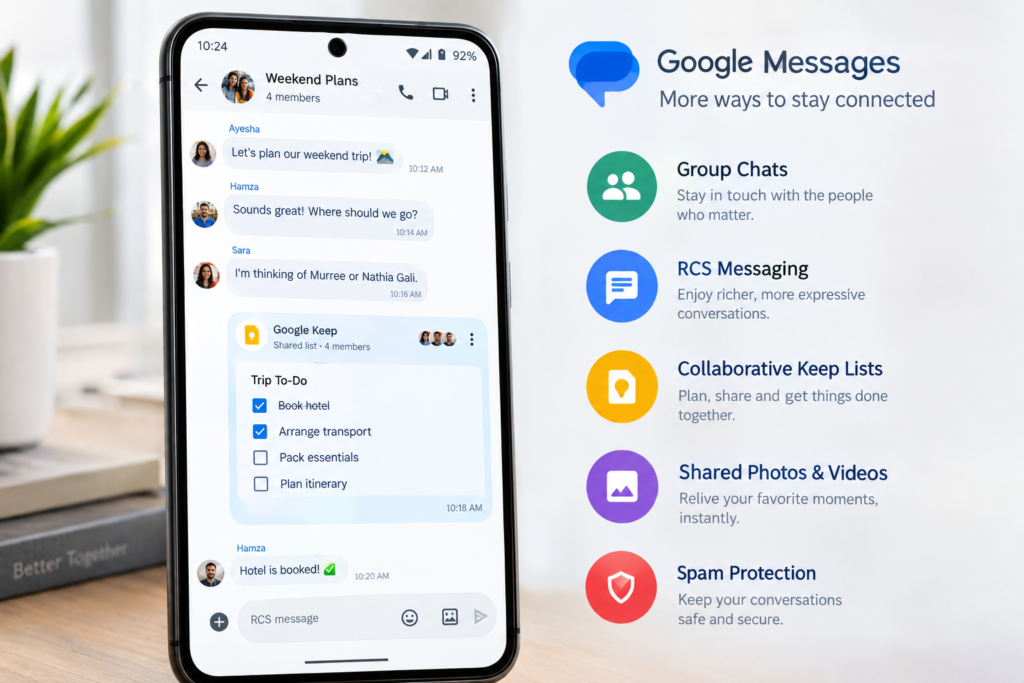
Google Keep notes can now be shared and edited inside Google Messages using RCS.
The practical result: collaborative lists. A grocery list, a packing list, or a project checklist can live inside a group chat and be updated by anyone in the conversation.
This feature is available on Android 16 and above, provided RCS is enabled on both sender and recipient devices.
Source: SammyFans
5. Custom Chat Themes
Google Messages now supports custom chat themes — colors, backgrounds, and styling options for individual conversations.
It’s the smallest feature in this drop, but it rounds out the messaging updates. Available on Android 16 and above.
Source: Droid-Life
Which Feature Needs Which Android Version
One source of confusion with this drop is version compatibility. Here’s the breakdown:
| Feature | Minimum Android Version | Gemini Required? |
|---|---|---|
| Find Hub Remembered | Android 16 | Yes |
| Motion Assist | Android 17 | No |
| Guided Vision | Android 9 | Yes (Gemini Live) |
| Google Keep in Messages | Android 16 | No |
| Custom Chat Themes | Android 16 | No |
The widest-reaching feature is Guided Vision, which works on phones up to eight years old. The most restrictive is Motion Assist, which requires the newest Android version.
Why Gemini Intelligence Is Missing From This Drop
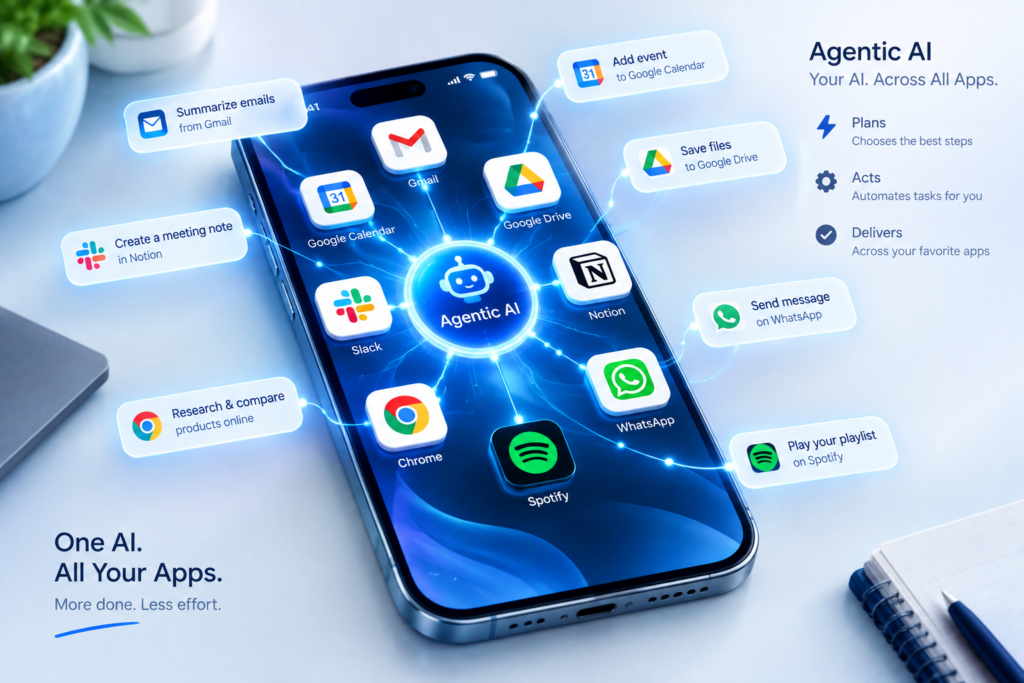
Google’s bigger AI push this year is Gemini Intelligence — a set of agentic AI features that can automate multi-step tasks across apps, like finding a book list in an email and adding the items to a shopping cart.
That feature is not part of the September drop.
There’s no official word yet on exactly which devices will receive Gemini Intelligence, or when. Based on Google’s previous rollouts, it’s likely to arrive first on Pixel 11 and Pixel 10 series devices, then expand to other flagship Android phones. But that remains an assumption, not a confirmed plan.
For readers who want to keep track of what’s coming next, this is the feature to watch.
How to Check If You Have These Features
Google rolls out these drops gradually. If you don’t see a feature yet, it may still be rolling out to your device.
For most features:
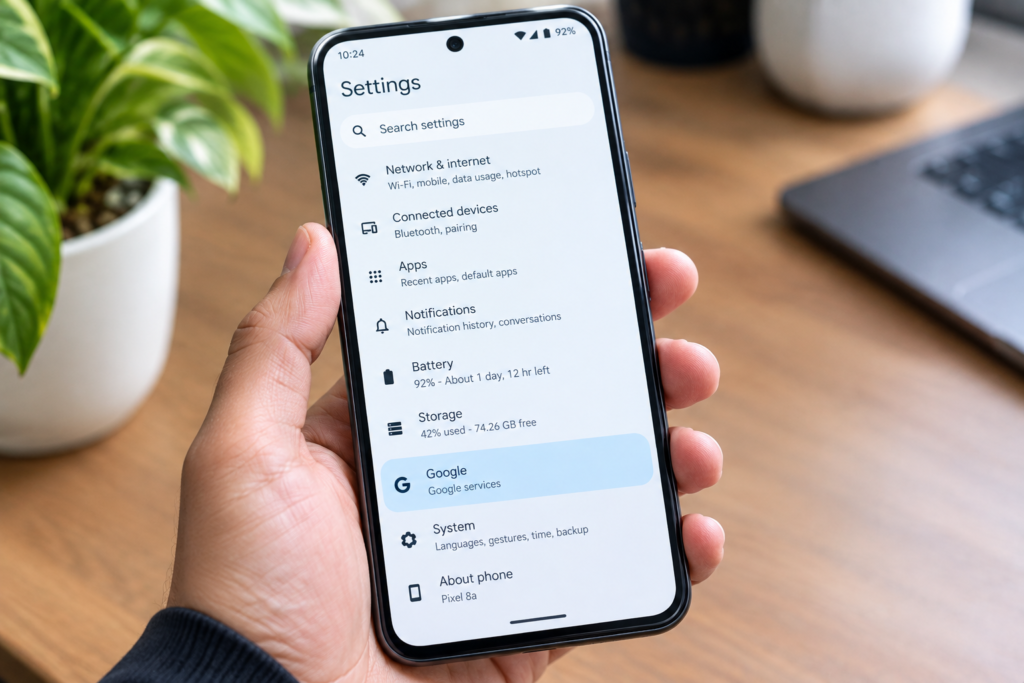
- Open Settings → Google → All services
- Check for updates to Google Assistant / Gemini and Google Messages
- Ensure your Android security patch is up to date
For Guided Vision:
- Open the Gemini app
- Tap your profile → Settings
- Look for Guided Vision under accessibility options
For Find Hub Remembered:
- Open the Find Hub app
- Check for a “Remembered Items” section
If features don’t appear, they may not be available in your region yet.
FAQ
Do I need a Pixel phone to get these features?
No. These features roll out to Android devices broadly. Guided Vision works on Android 9 and above regardless of manufacturer. The other four features require Android 16 or 17, which includes phones from Samsung, OnePlus, Xiaomi, and others that have received those updates.
When will I get the September drop?
Google typically rolls out these features over several weeks. Some users receive them on day one; others may wait up to four weeks. If you haven’t seen a feature after a month, check that your Google apps are updated.
Is Motion Assist safe to use while driving?
Motion Assist is designed for passengers, not drivers. Google has stated the feature should not be used by anyone operating a vehicle. It’s also a comfort feature, not a medical treatment for motion sickness.
What is Find Hub Remembered, in simple terms?
It’s a memory feature. You tell Gemini where you put something, and it remembers for you. Unlike a tracker, it doesn’t need any device attached to the item.
Why isn’t Gemini Intelligence in this drop?
Google hasn’t said. The feature is expected to arrive separately, likely first on Pixel devices, but no official timeline or device list has been confirmed.
💬 Join the Conversation
Which of these five features are you most looking forward to — Find Hub Remembered, Guided Vision, or something else? Leave a comment below with your thoughts.
Written by Baqir Ali
Founder of Baqir Digital Hub | AI Smartphone Researcher
Baqir has been covering AI and smartphone technology since 2024, helping readers understand the real-world impact of emerging tech. His work focuses on making complex topics simple, practical, and actionable.
🔗 Related Guides on AI Smartphone Features
- AI RAM Management in Smartphones 2026
- Google Pixel 11 Series 2026: Everything You Need to Know
- How AI Works Inside Smartphones: Real-Life Features You Use Every Day
- AI Offline Intelligence in Smartphones 2026
- AI Privacy Protection in Smartphones 2026
Disclaimer: The images used in this article are AI-generated for illustrative purposes. Product details and feature descriptions are based on official Google announcements and independent tech reporting linked throughout the article.

Baqir Ali is the Founder of Baqir Digital Hub and a passionate SEO, AI, and Blogging specialist. With years of experience in digital marketing, he helps beginners and professionals grow online using smart content strategies, AI tools, and SEO best practices. His mission is to simplify technology and help people build sustainable online income.