
📋 What You’ll Discover in This Guide
- What AI offline intelligence smartphones 2026 actually means — and why it matters
- How smartphones run powerful AI without any internet connection
- Real features that work offline: voice commands, camera magic, translation, and more
- Why offline AI is safer and more private than cloud‑based AI
- Which phones have the best on‑device AI chips
- How to use offline AI features on your phone right now
Internet Off — But Your Phone Still Works
You’re on a flight ✈️. The cabin lights are dim. You’ve switched on airplane mode — no Wi‑Fi, no mobile data.
Yet, you:
- Translate a foreign menu using your camera
- Enhance a dark photo with a single tap
- Ask your voice assistant to set an alarm for landing
Wait… how is this possible without internet?
In 2026, your phone no longer needs the cloud to be intelligent.
AI offline intelligence smartphones 2026 pack powerful AI models directly into the device. They run on dedicated chips called NPUs (Neural Processing Units). Everything happens locally — instantly, privately, and without a single byte of data leaving your phone.
Your smartphone is becoming independent.
For a deeper look at how AI protects your data without sending it to the cloud, check out our guide on AI Privacy Protection in Smartphones 2026.
These AI offline intelligence smartphones 2026 are designed to work independently, delivering powerful features without relying on internet connectivity.
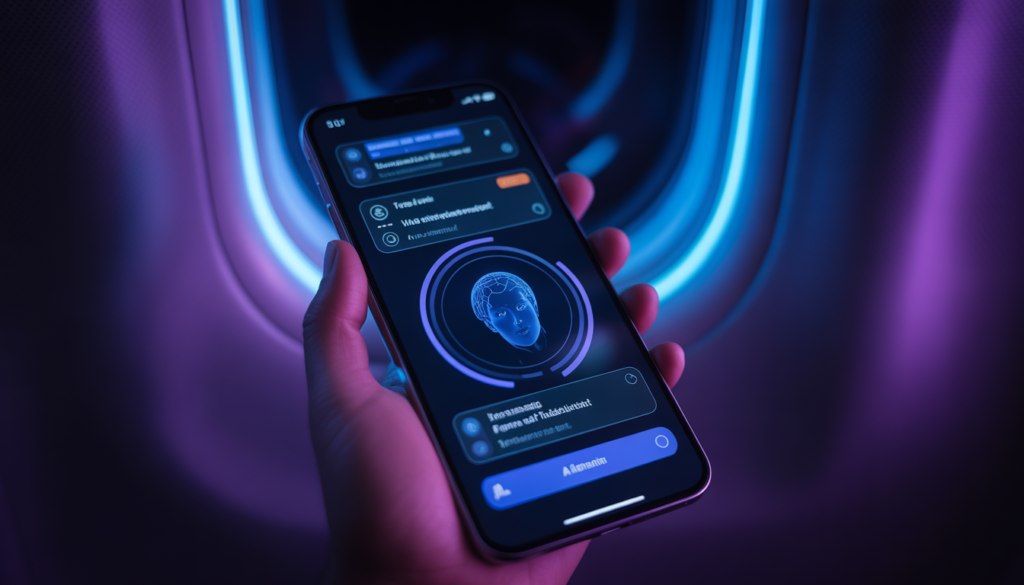
What Is AI Offline Intelligence?
AI offline intelligence means that your phone’s artificial intelligence works entirely on the device — no internet connection required.
Simple Definition:
The phone has pre‑trained AI models stored locally. It uses a special chip (NPU) to run those models instantly, without asking a server for help.
Cloud AI vs On‑Device AI
| Feature | Cloud AI (Old Way) | On‑Device AI (2026) |
|---|---|---|
| Internet needed | ✅ Yes | ❌ No |
| Speed | Slow (depends on network) | Instant |
| Privacy | Your data leaves the device | Your data stays on your phone |
| Battery usage | Higher (radio + processing) | Optimized (dedicated chip) |
| Works in airplane mode | ❌ No | ✅ Yes |

How Smartphones Run AI Without Internet
1. NPU (Neural Processing Unit)
This is a special chip designed specifically for AI tasks. Unlike the main processor, the NPU is incredibly efficient at:
- Recognizing images and faces
- Processing voice commands
- Making predictions (like what word you’ll type next)
2. Pre‑Trained AI Models
Your phone comes with AI models already installed. Think of them as a library of knowledge.
- Face detection model
- Scene recognition model
- Voice command model
- Translation model (if you download language packs)
These models don’t need to fetch anything online. They’re ready to go.
3. Edge AI Processing
Edge means the edge of the network — your device itself. All data stays on the phone. Nothing is uploaded. This makes offline AI much more private and secure.
Real Features That Work Offline
Here are everyday features that run on AI offline intelligence smartphones 2026 without any internet:
1. Offline Voice Assistant
- Set alarms and timers
- Open apps (Open camera)
- Change settings (Turn on dark mode)
- Play music already on your device
Example: You’re in a tunnel with no signal. Hey Google, set a reminder for 5 PM. Works instantly.
2. AI Camera Processing
- Night mode (brightens dark photos)
- Scene detection (food, sunset, portrait)
- HDR (balances shadows and highlights)
- Face enhancement
Example: You take a picture in a dimly lit restaurant. The phone processes it locally — no upload required.
3. Live Translation (Offline)
- Translate text from your camera
- Translate typed words
- Voice translation (with downloaded language packs)
Example: You’re traveling abroad without a data plan. Point your camera at a menu. The phone translates it instantly.
4. Smart Typing & Predictions
- Next‑word suggestions
- Grammar correction
- Autocorrect
Example: You’re typing a message on a plane. The keyboard learns your style and suggests words — all offline.
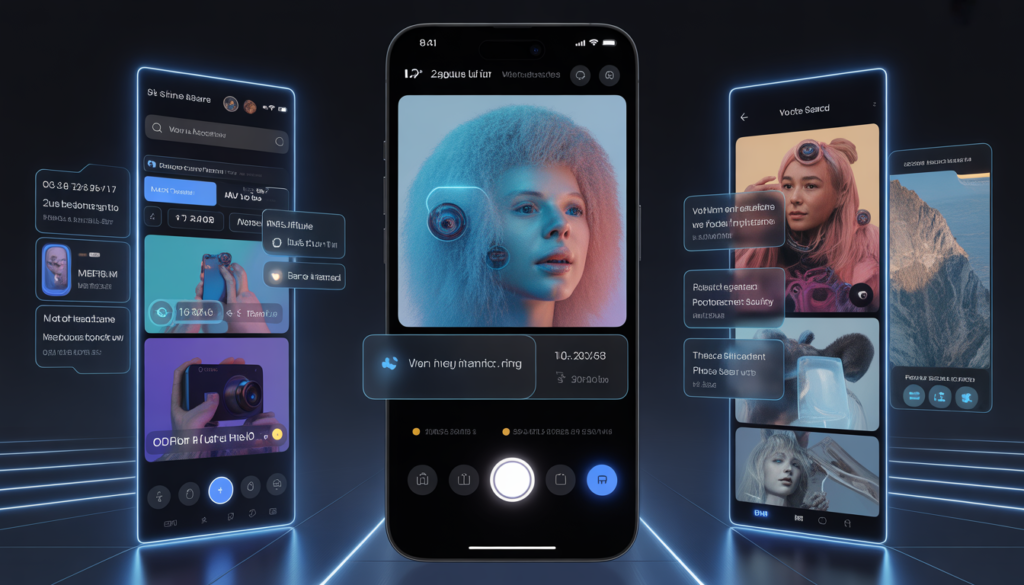
5. Photo Search Without Internet
- Search your gallery for dog or beach
- Find faces of specific people
- Group similar photos
Example: You want to show your friend photos from last summer. Type beach in the search bar. Works perfectly offline.
Why Offline AI Is More Secure
According to the Federal Trade Commission (FTC) , Security experts generally agree that keeping data on-device reduces exposure to breaches
Offline AI doesn’t send your personal data to unknown servers. That makes it much safer.
Key Security Benefits:
- No data leaves your device – Your photos, voice recordings, and typing habits stay private.
- No tracking – Cloud AI can build profiles on you. Offline AI cannot.
- No data leaks – Even if a cloud server is hacked, your data isn’t there.
- Works in airplane mode – Complete functionality without any external connection.
This connects directly with our previous guides on AI Privacy Protection and AI Digital Identity Protection — where we explain why keeping data on‑device is the future of security.
Speed Advantage of On‑Device AI
Cloud AI has to:
- Send your request to a server
- Wait for the server to process it
- Receive the result
That takes time — especially with weak signals.
On‑device AI is instant. No round trip.
Examples:
- Voice typing appears as you speak — no lag
- Camera processing happens before you see the preview
- Photo search results show up immediately
This is especially useful in:
- Rural areas with poor signal
- Subways and tunnels
- Flights
- Anywhere you want privacy
Which Smartphones Have the Best Offline AI
| Brand | Offline AI Features | Key Chip |
|---|---|---|
| Google Pixel | Offline voice assistant, camera AI, live translation, photo search | Tensor G4 |
| Samsung Galaxy | Gallery AI, offline voice commands, camera scene detection | Exynos / Snapdragon AI engines |
| Apple iPhone | On‑device Siri, Face ID, photo recognition, offline dictation | Neural Engine |
Comparison Table: Offline AI by Price Tier
| Feature | Budget Phones | Mid‑Range | Flagship |
|---|---|---|---|
| Offline AI features | Basic (camera only) | Good (camera + voice + search) | Advanced (full suite) |
| NPU power | Low | Medium | High |
| AI speed | Medium | Fast | Instant |
| Offline translation | ❌ | ✅ (with download) | ✅ |
| Offline voice assistant | Basic commands | Full offline commands | Full + context aware |
👉 Looking for a phone with powerful offline AI? Our Best Budget AI Smartphones in 2026 guide includes NPU capabilities in its comparisons.
How to Use Offline AI
For Android Users
- Download offline language packs
- Go to Settings → System → Languages & input → Offline translation
- Download the languages you need
- Enable on‑device voice typing
- Gboard settings → Voice typing → Faster voice typing (offline mode)
- Use Google Photos offline features
- Search and face grouping work without internet
For iPhone Users
- Enable offline Siri
- Settings → Siri & Search → Siri responses → Prefer Offline Responses
- Download language packs for translation
- Settings → Translate → Offline Languages → Download
- Use on‑device dictation
- Keyboard microphone works offline (iOS 18+)
Limitations
Offline AI is powerful, but it has limits:
- Complex queries still need the internet – Asking What’s the latest news? requires an online connection.
- AI models are smaller than cloud versions – They can’t store every possible answer.
- Storage space – Language packs and models can take up a few gigabytes.
- Updates – Offline models need periodic updates to stay accurate.
However, for most daily tasks — camera, voice commands, translation, photo search — offline AI is more than enough.
Future of Offline AI
Full Offline Assistants
Voice assistants will understand complex commands without any internet. Plan my day or Summarize this article will work offline.
No Cloud Dependency
App developers will design for offline‑first experiences. The cloud will be optional — not required.
Personal AI Trained Only on You
Your phone will train a unique AI model based on your habits, your writing style, your preferences. It will never leave your device. It will know you better than any cloud service ever could.

What Is AI Offline Intelligence in Smartphones? (Quick Answer)
AI offline intelligence smartphones 2026 use on-device artificial intelligence to perform tasks without an internet connection. They rely on pre-trained models and dedicated AI chips (NPUs) to process data locally, making features like voice commands, photo editing, and translation faster, more private, and always available.
FAQ: Your Offline AI Questions Answered
Q1: Can AI work without internet?
Yes. AI offline intelligence smartphones 2026 use on‑device chips (NPUs) and pre‑trained models to run AI tasks locally — no internet required.
Q2: Which phones support offline AI?
Most modern smartphones have some offline AI. Google Pixel (Tensor chip), Samsung Galaxy (AI engines), and iPhone (Neural Engine) lead the pack. Even budget phones offer basic offline camera AI.
Q3: Is offline AI safer than cloud AI?
Yes. Your data never leaves your device. No tracking, no server leaks, no third‑party access. That’s why offline AI is a key part of privacy protection.
Q4: Does offline AI use more battery?
No. NPUs are extremely efficient. They consume less power than sending data over the network and waiting for cloud responses.
Q5: Can I use voice assistant offline?
Yes — for basic commands like setting alarms, opening apps, changing settings. Complex queries (like What’s the weather?) still need internet.
Q6: Does offline translation work well?
Yes, with downloaded language packs. It’s very accurate for common phrases and menus.
Q7: Will offline AI replace cloud AI?
Not completely. Complex tasks will still use the cloud. But for everyday features — camera, voice, search, translation — offline AI is already here and improving fast.
Q8: How much storage do offline AI models take?
Language packs can be 100MB–1GB. The core AI models are already pre‑installed by the manufacturer.
Your Phone Doesn’t Need the Internet Anymore
AI offline intelligence smartphones 2026 are shaping a future where your device works faster, safer, and completely on its own.
For years, we believed that smart meant connected. Without the cloud, a phone was just a dumb device.
That belief is now outdated.
AI offline intelligence smartphones 2026 prove that your phone can be powerful, private, and independent. It can understand you, help you, and protect you — even on an airplane, in a subway, or anywhere else without a signal.
When you choose your next phone, don’t just ask about camera megapixels. Ask:
- Does it have a dedicated NPU?
- Can it run offline voice commands?
- Does offline translation work?
- Are camera AI features processed on‑device?
🔗 Related Guides on AI Smartphone Security
- AI Privacy Protection in Smartphones 2026: How AI Keeps Your Data Safe Without Tracking You
- AI Phishing Detection Smartphones 2026: How AI Stops Fake Links and Scam Messages
- AI Biometric Security in Smartphones 2026: How AI Protects Your Face, Fingerprint, and Identity
- AI App Permission Control in Smartphones 2026: How AI Decides What Apps Can Access
Written by Baqir Ali, AI tech researcher and founder of Baqir Digital Hub.

Baqir Ali is the Founder of Baqir Digital Hub and a passionate SEO, AI, and Blogging specialist. With years of experience in digital marketing, he helps beginners and professionals grow online using smart content strategies, AI tools, and SEO best practices. His mission is to simplify technology and help people build sustainable online income.
Good 👍
thanks
Great content! Keep up the good work!
Thank you so much for your kind words! 😊
I’m really glad you enjoyed the content. Your support and encouragement mean a lot to me and motivate me to keep creating helpful articles.
Thanks again for your support!
Thank you so much for your kind words! 😊
I’m really glad you enjoyed the content. Your support and encouragement mean a lot to me and motivate me to keep creating helpful articles.