
📋 What You’ll Discover in This Guide
- Why your apps are collecting more data than ever — and what they’re doing with it
- How AI privacy protection smartphones 2026 monitor app behavior without invading your privacy
- The difference between asking for permission and truly understanding what apps need
- Real examples of apps secretly tracking you — and how AI stops them
- Which smartphones offer the best built-in AI privacy protection
- How to enable these features on your phone right now
The App That Asked Too Much
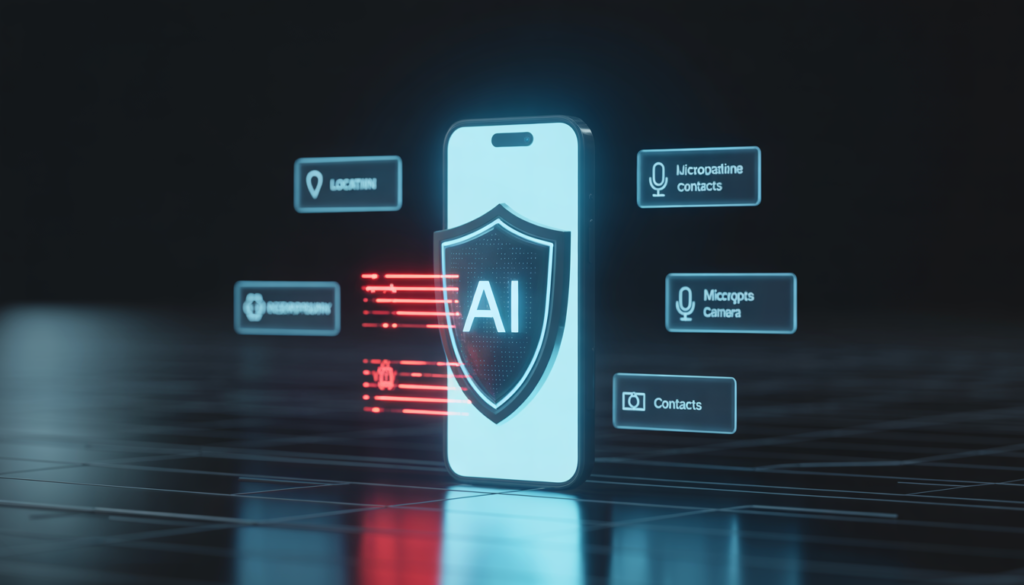
You just installed a simple flashlight app. It looks harmless. But when you open it, a pop‑up appears:
“Allow” this app to access your location, contacts, microphone, and camera?
You pause for a second. A flashlight app has no real reason to need your location, contacts, or microphone. But out of habit, you almost tap “Allow” anyway
Then your phone quietly steps in. A notification slides up:
AI privacy protection has blocked this app from accessing your location and microphone. The app does not need these permissions to function.
You didn’t have to decide. Your phone already knew what was safe.
Here’s why this matters in 2026:
- Apps collect more personal data than ever — location history, microphone recordings, contact lists, and even photos
- Most smartphone users have little idea which apps are tracking them in the background.
- Data leaks and privacy violations are increasing every year
This is where AI privacy protection smartphones 2026 change everything. They don’t just ask for permissions — they understand whether those permissions make sense. They monitor app behavior silently, block suspicious activity, and keep your data where it belongs: on your device. For a complete picture of how AI secures your smartphone, check out our guides on AI Phishing Detection Smartphones 2026 and AI Biometric Security in Smartphones 2026.
In 2026, AI privacy protection smartphones 2026 give you back control over your personal data.
What Is AI Privacy Protection in Smartphones?
AI privacy protection is a set of intelligent features built directly into your phone’s operating system. Instead of asking you to manage dozens of permissions manually, the AI learns what’s normal for each app and automatically blocks anything suspicious.
How It Works (Simple Explanation)
Think of it like a security guard who knows:
- Who should be there: Which apps you actually use and trust
- What they should do: What permissions each app truly needs to function
- When something is wrong: If an app suddenly starts accessing data it never needed before
The AI doesn’t just read permission lists. It observes app behavior in real time, compares it with patterns of millions of apps, and decides what’s safe — all without sending your data to the cloud.
Why Data Privacy Is a Serious Problem in 2026
According to the Federal Trade Commission (FTC), consumer data privacy complaints have grown significantly in recent years
You might think, I have nothing to hide. But privacy isn’t about having secrets. It’s about having control over your own information.
Here’s what’s happening behind the scenes:
| Problem | What Happens |
|---|---|
| Background tracking | Apps follow your location 24/7, even when you’re not using them. |
| Hidden permissions | Apps access your microphone or camera without showing any alert. |
| Data selling | Your personal data is packaged and sold to advertisers without your knowledge. |
| Data leaks | Companies store your data insecurely, leading to massive breaches. |
| Over‑permission requests | Apps ask for far more access than they need — and most users just tap “Allow”. |
The result: Your daily life becomes a product. Where you go, who you talk to, what you search — it’s all collected, analyzed, and sold.
How AI Protects Your Data (Without Tracking You)
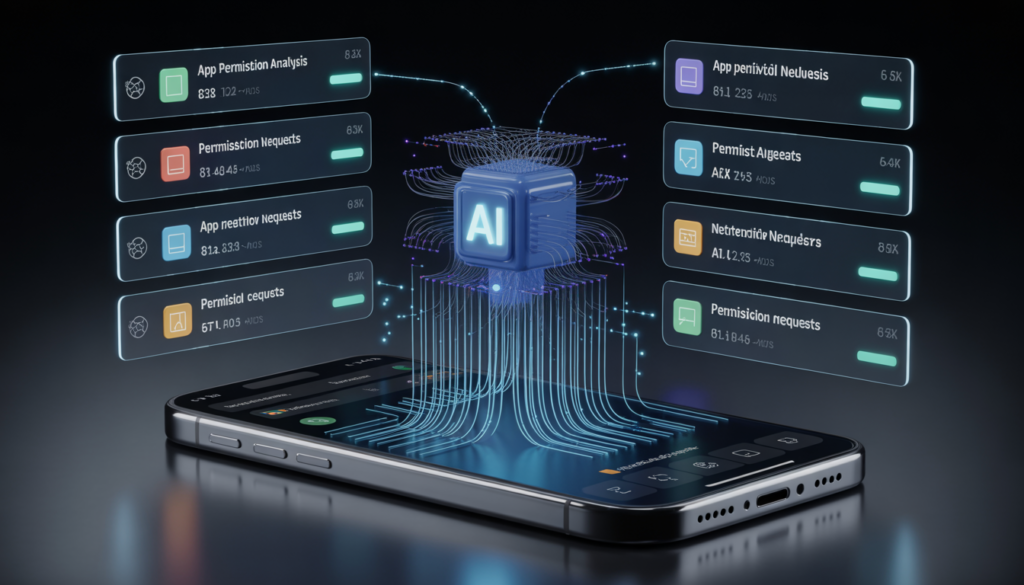
The core of AI privacy protection smartphones 2026 lies in four intelligent layers.
AI privacy protection works in four key ways:
1. Permission Intelligence
Instead of simply granting or denying permissions, the AI evaluates whether a request makes sense.
- Example: A flashlight app asks for access to your contacts.
- Without AI: You might tap “Allow” without thinking.
- With AI: The system blocks the request and tells you, This app does not need contacts to function.
2. Background Activity Monitoring
Many apps behave well when you’re watching — then go quiet and start tracking in the background.
AI watches for:
- Apps accessing your location when you haven’t opened them
- Apps turning on the microphone during phone calls
- Apps reading your photos while you’re asleep
When it sees this, it sends an alert and can automatically revoke the permission.
3. Data Leakage Detection
Some apps steal your data by sending it to unknown servers.
AI analyzes outbound network traffic:
- Does the data look like your contacts, location history, or device identifiers?
- Is it going to a server known for collecting user data?
- Is the amount of data being sent suspiciously high?
If something looks wrong, AI blocks the connection and warns you.
4. App Behavior Prediction
The most advanced systems learn from millions of apps to predict which ones might become risky.
- New app installed? AI gives it a temporary sandbox to see how it behaves.
- App updates? AI checks if the new version suddenly asks for more permissions.
- Pattern matching? AI compares behavior to known privacy‑violating apps.
This is proactive protection — stopping problems before they even affect you.
Real Examples of AI Privacy Protection in Action
Example 1: The Microphone That Turned On by Itself
A user noticed their phone’s microphone indicator glowing late at night. They weren’t on any call. No recording app was open.
What happened: A shopping app had been quietly listening for ambient audio — a technique some advertisers use to detect what TV shows you’re watching.
How AI stopped it: The system flagged the unusual background microphone use, revoked the permission automatically, and sent a notification:
Shopping App was using your microphone without active use. AI has blocked this activity.
Example 2: The Game That Tracked Every Move
A game installed for fun asked for location access. The user allowed it, thinking it was for local leaderboards. But the app kept tracking location 24/7, even when the game was closed.
What happened: The app was selling location data to ad networks.
How AI stopped it: After a few days, the AI detected that the app was accessing location far more frequently than any game should. It sent an alert and gave the user the option to change the permission to only while using the app.
Example 3: The App That Sent Contacts to an Unknown Server
A QR scanner app seemed harmless. But in the background, it was quietly uploading the user’s entire contact list to a server in another country.
How AI stopped it: The AI noticed the unusual data flow and blocked the connection. The user received a warning:
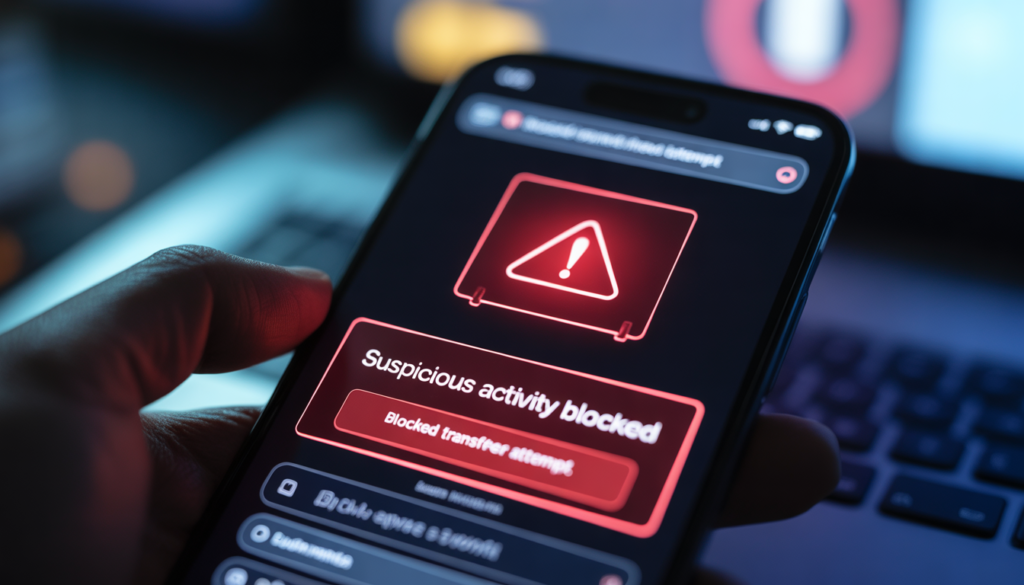
This app attempted to send your contact list to an unknown server. The connection was blocked.
Features of AI Privacy Protection
Here are the key features of AI privacy protection smartphones 2026:
| Feature | What It Does |
|---|---|
| Smart permission control | Automatically grants permissions only when they make sense for the app. |
| Privacy alerts | Notifies you when an app accesses sensitive data in the background. |
| Data blocking | Stops apps from sending your data to suspicious servers. |
| App sandboxing | Isolates risky apps so they can’t access other parts of your phone. |
| Real‑time monitoring | Watches app behavior continuously, not just during installation. |
| Privacy dashboard | Shows you exactly which apps accessed what data, and when. |
Which Smartphones Offer the Best AI Privacy Protection
Different manufacturers have built AI privacy features directly into their devices:
Google Pixel
- Privacy Dashboard with AI‑powered recommendations
- Permission manager that suggests removing unused permissions
- On‑device AI that detects suspicious behavior without cloud uploads
Samsung Galaxy (Knox AI)
- Knox Vault hardware isolation for sensitive data
- Permission monitor that flags excessive permissions
- Auto‑block for apps attempting unauthorized data access
Apple iPhone
- App Tracking Transparency — apps must ask before tracking you
- Privacy Report — weekly summary of how apps used your data
- On‑device processing for all AI privacy features
Comparison Table: AI Privacy Protection Features
| Feature | Budget Phones | Mid‑Range | Flagship |
|---|---|---|---|
| Permission intelligence | Basic | Yes | Advanced AI |
| Background monitoring | ❌ | Partial | Full real‑time |
| Data leakage detection | ❌ | Basic | Advanced |
| Privacy dashboard | Limited | Detailed | AI‑insight rich |
| On‑device AI chip | Basic NPU | Mid‑tier NPU | Dedicated security AI |
These brands lead the market in AI privacy protection smartphones 2026.
The sweet spot: Mid‑range phones (like Google Pixel 7a/8a, Samsung Galaxy A55/A56, OnePlus Nord CE) offer much of the same AI privacy protection at a lower price.cy protection at half the price.
👉 Looking for affordable phones with strong AI privacy? Read our Best Budget AI Smartphones in 2026 with Privacy Protection guide.
How to Enable AI Privacy Protection on Your Phone
For Android Users
- Open Settings → Privacy
- Tap Privacy Dashboard — review which apps accessed what
- Enable Permission Manager to see and adjust app permissions
- Turn on Google Play Protect (it includes AI‑based privacy scanning)
- Go to Settings → Security → enable Real‑time threat detection
Extra step: In Privacy Dashboard, you can remove permissions from apps that haven’t been used in months.
For iPhone Users
- Open Settings → Privacy & Security
- Tap App Privacy Report → turn it on to start tracking app activity
- Go to Tracking → disable “Allow” Apps to Request to Track
- Review Location Services and set apps to While Using instead of Always
- Use Safety Check to review which apps have access to sensitive data
Extra step: In Settings → Privacy & Security, periodically review each category (Microphone, Camera, Contacts) to see which apps have access.
Benefits of AI Privacy Protection
✅ No hidden tracking — Apps can’t spy on you in the background
✅ Better control — You don’t need to manage dozens of permissions
✅ Data safety — Your information stays on your device, not in the cloud
✅ Peace of mind — Your phone works quietly to protect you
✅ Family protection — AI also safeguards your children’s devices
Limitations
No system is 100% perfect. Here’s what to keep in mind:
- Not all apps are caught — Some clever apps may still evade detection for a short time
- Requires updates — AI models need regular updates to recognize new threats
- Occasional false positives — A safe app might be flagged if it behaves unusually (though rare)
- Battery impact — Continuous monitoring uses a small amount of battery (2‑3%)
The good news: updates come automatically, and AI learns from mistakes.
Future of AI Privacy Protection
What’s coming in 2027 and beyond:
Auto‑Permissions
Your phone will decide which permissions to grant based on how you use an app — without any pop‑up prompts.
Zero‑Tracking OS
Future operating systems may prevent any app from tracking you across other apps or websites by design.
Personal AI Firewall
A built‑in AI that acts like a firewall for your personal data, blocking any attempt to send it to untrusted servers.
Privacy Score for Apps
Every app will have a dynamic privacy score based on real‑time behavior, so you can see at a glance whether it’s trustworthy.
FAQ: Your AI Privacy Protection Questions Answered
Q1: Is AI privacy protection safe?
Yes. All analysis happens on‑device, so your data never leaves your phone. The AI does not send your personal information to the cloud.
Q2: Does AI track my data?
No. AI monitors app behavior, not your personal data. It learns patterns of what’s normal for each app — not what’s inside your messages or photos.
Q3: Which phone is best for privacy?
Google Pixel, Samsung Galaxy, and iPhone all offer strong AI privacy features. Mid‑range models from these brands are also excellent.
Q4: Can apps still track me if I use AI privacy protection?
It becomes much harder. AI blocks background tracking, data leaks, and unauthorized permissions. However, no system is perfect, so it’s still smart to be cautious.
Q5: Does AI privacy protection work offline?
Yes. All core features run on your device’s AI chip, so they work even without an internet connection.
Q6: Will AI block apps I actually want?
Rarely. If a legitimate app is mistakenly blocked, you can always override the decision. Over time, the AI learns your preferences.
As mobile apps become more intrusive, your phone needs to work smarter. AI privacy protection smartphones 2026 represent a fundamental shift from trusting apps to letting your device guard your identity — silently, continuously, and without selling you out.

Conclusion: Your Data, Your Control
AI privacy protection smartphones 2026 are not just a trend — they are a necessity.
Your smartphone knows your location, your habits, your conversations, and your secrets. In the wrong hands, that data can be used against you — sold to advertisers, leaked in breaches, or exploited by scammers.
But you don’t have to live with that fear.
AI privacy protection smartphones 2026 give you back control. They watch what apps do, block hidden tracking, and keep your data where it belongs — with you.
When you choose your next phone, don’t just look at camera megapixels or battery life. Ask:
- Does it have on‑device AI privacy monitoring?
- Can it detect and block background app activity?
- Does it include a privacy dashboard?
- Are updates regular?
That’s what AI privacy protection really offers — a phone that quietly looks out for you, so you don’t have to check every permission yourself.
🔗 Related Guides on AI Smartphone Security
- AI Phishing Detection Smartphones 2026: How AI Stops Fake Links and Scam Messages
- AI App Malware Detection Smartphones 2026: How AI Stops Dangerous Apps
- AI Biometric Security in Smartphones 2026: How AI Protects Your Face, Fingerprint, and Identity
- AI Voice Cloning Scam Detection on Smartphones in 2026

Baqir Ali is the Founder of Baqir Digital Hub and a passionate SEO, AI, and Blogging specialist. With years of experience in digital marketing, he helps beginners and professionals grow online using smart content strategies, AI tools, and SEO best practices. His mission is to simplify technology and help people build sustainable online income.
👍 good job
Thank you so much for your kind words! 😊
I’m really glad you found this topic helpful.
You can contact me through the contact page on my website, or reach out via email mentioned there.
Feel free to ask anything anytime!
Thank you for highlighting this important point! 😊
Data privacy and transparency are becoming more important as AI continues to evolve. I’m glad you found the guide helpful, and I appreciate you sharing your thoughts!