
📋 What You’ll Discover in This Guide
- Why apps keep asking for permissions they don’t need — and how you’re being tricked
- How AI app permission control smartphones 2026 automatically decides what access to grant
- Real examples of apps secretly abusing permissions — and how AI stops them
- Which smartphones have the most advanced permission‑management AI
- How to enable these features on your phone right now
The Weather App That Wanted Your Contacts
You download a simple weather app. It looks clean. You open it.
A pop‑up appears:
“Allow this app to access your contacts, location, and microphone?”
You pause. Why does a weather app need my contacts?
Most people just tap Allow without thinking. They’re busy, they’re tired, or they assume the app knows what it’s doing.
Here’s the problem:
- Apps ask for far more permissions than they actually need
- Many users grant access without reading
- Permissions are often sold to data brokers or used for hidden tracking
In 2026, that model is finally dying.
AI app permission control smartphones 2026 don’t wait for you to decide. They analyze every request, compare it against what the app should need, and either grant temporary access, block it, or ask a smarter question.
You no longer have to guess. Your phone already knows.
For a complete picture of how AI protects your data, check out our guides on AI Phishing Detection Smartphones 2026 and AI Privacy Protection in Smartphones 2026.
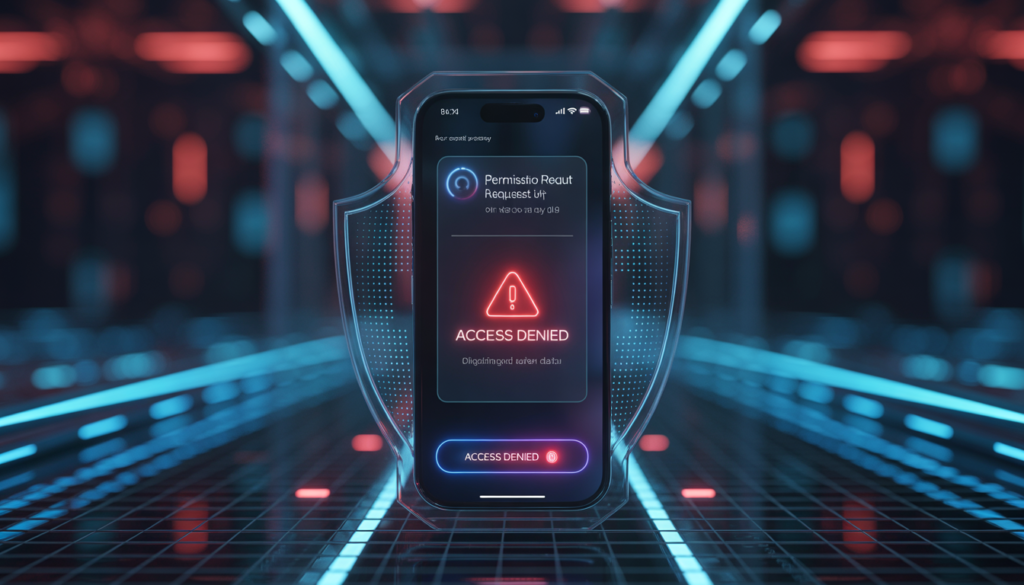
Why App Permissions Are Broken in 2026
According to the Federal Trade Commission (FTC), mobile app permission abuse has become one of the top consumer privacy concerns — making AI-based permission control essential.
The permission system was designed when apps were simple. Today, it’s a mess.
| App Type | What It Actually Needs | What It Often Asks For |
|---|---|---|
| Weather app | Location (only while using) | Location always, contacts, microphone |
| Flashlight | None (uses camera LED) | Location, camera, storage |
| Game | Storage (save data) | Contacts, microphone, camera |
| Social media | Camera, microphone, storage | Location always, contacts, call logs |
Why It Happens
- Dark patterns: Some apps hide permission requests in long lists so you just tap “Allow” out of habit
- Data harvesting: Permissions let apps collect your location, contacts, and even audio to sell to advertisers
- User confusion: Most people don’t know the difference between “allow once” and “allow all the time”
The result: Your phone becomes a data‑leaking machine, and you never even know it.
What Is AI App Permission Control?
AI app permission control is a built‑in system that automatically manages what apps can access on your phone.
Instead of showing you a pop‑up and waiting for your tap, the AI:
- Understands what type of app you’re installing
- Learns from how similar apps behave
- Decides whether a permission makes sense
Manual vs AI‑Based Permissions
| Manual (Old Way) | AI‑Based (2026) |
|---|---|
| You see a long list of permissions | AI filters out unnecessary requests |
| You tap “Allow” without thinking | AI grants only what’s needed |
| You never review permissions again | AI monitors behaviour continuously |
| Apps can abuse permissions later | AI revokes suspicious access instantly |
Think of it like this: Instead of giving every visitor a master key to your house, your phone gives them a key to exactly one room — and only when they actually need it.
How AI Decides Permissions (Core Section)
AI app permission control smartphones 2026 use four layers of intelligence to decide what access to grant.
1. Context Awareness
The AI looks at when and why an app is asking for something.
- A camera app asking for camera access while you’re using it → grant
- A camera app asking for microphone access at 3 AM in the background → block + alert
2. Behavior Learning
Over time, the AI learns what’s normal for each app.
- A note‑taking app never needed location before → suddenly requesting it → flagged
- A game accessing storage only during gameplay → fine
- Same game accessing storage while the screen is off → suspicious
3. Permission Matching
The AI has a database of what permissions each app type typically needs.
| App Category | Expected Permissions | Red Flags |
|---|---|---|
| Weather | Location (only while using) | Contacts, microphone |
| Calculator | None | Location, camera |
| Banking | Internet, storage | Accessibility service |
| Social media | Camera, microphone, storage | Location always, call logs |
If a flashlight asks for your contact list, AI blocks it instantly.
4. Risk Scoring
Every permission request gets a risk score based on:
- How often the app is installed globally
- Whether the same app has been reported for privacy issues
- How the permission matches the app’s code
Scores range from Safe (grant) to Risky (ask user) to Malicious (block automatically).
Real Examples of Permission Abuse (Stopped by AI)
Example 1: Flashlight App Demanding Location
A popular flashlight app suddenly asked for location access. No update notes, no explanation.
What AI did: Recognized that a flashlight has no reason to know where you are. Blocked the request automatically. The app worked fine — because it never needed location in the first place.
Example 2: Game Trying to Access Microphone
A casual puzzle game requested microphone permission. No voice chat, no recording feature.
What AI did: Flagged it as suspicious. Showed a warning: “This app has no voice features. Microphone access blocked.” The game still worked perfectly.
Example 3: Social App Harvesting Contacts
A popular social media app asked for “read contacts” permission. Most users clicked Allow without reading.
What AI did: Granted a limited access version — the app could see only the contacts the user had already messaged, not the entire address book. Data harvesters were blocked.

Real‑Time Permission Control
Beyond installation, AI watches how permissions are used in real time.
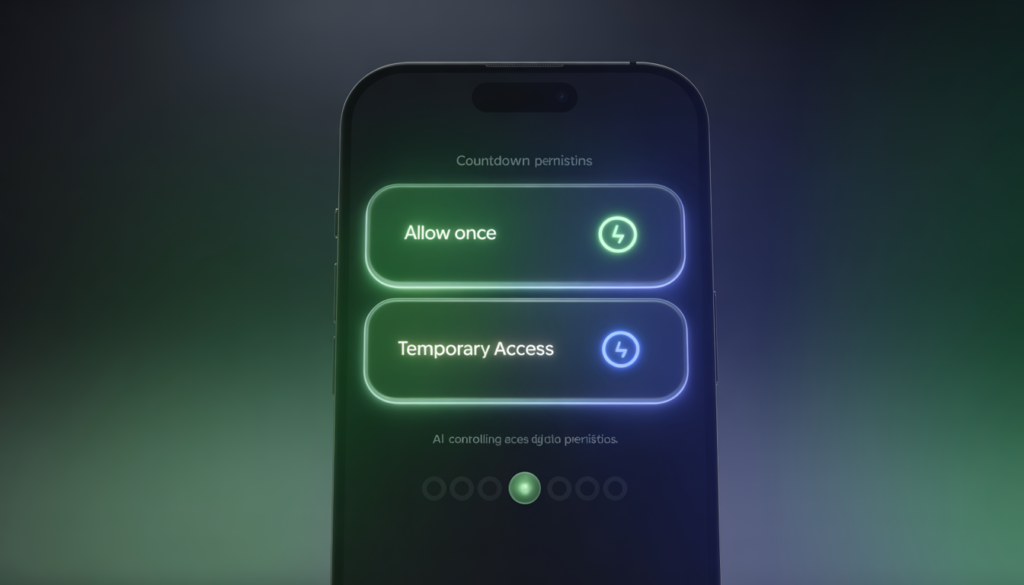
Allow Once
The app gets access for a single session. Next time you open it, it must ask again.
Allow While Using
Permission is active only while the app is on the screen. Close the app, permission goes away.
Auto Revoke
If an app hasn’t been used in 30 days, all its permissions are automatically removed. No need to remember.
Temporary Access
You can grant camera access for 5 minutes, location for 1 hour, etc. Perfect for one‑time tasks like scanning a document.
Smartphones Leading AI Permission Control
| Brand | AI Permission Features |
|---|---|
| Google Pixel | Privacy Dashboard, Permission Manager, AI‑powered “Allow while using” suggestions |
| Samsung Galaxy (Knox AI) | Permission usage alerts, auto‑revoke for unused apps, AI risk scoring |
| Apple iPhone | App Privacy Report, Approximate Location, “Ask App Not to Track”, on‑device permission intelligence |
Comparison: AI Permission Control by Price Tier
| Feature | Budget Phones | Mid‑Range | Flagship |
|---|---|---|---|
| Basic permission manager | ✅ | ✅ | ✅ |
| AI risk scoring | ❌ | ✅ | ✅ |
| Auto‑revoke for unused apps | ❌ | ✅ | ✅ |
| Real‑time permission alerts | ❌ | Basic | Advanced |
| On‑device AI chip | Basic NPU | Mid‑tier NPU | Dedicated security AI |
👉 Looking for a phone with strong permission AI? Our Best Budget AI Smartphones in 2026 guide has you covered.
How to Enable AI Permission Control on Your Phone
For Android Users
- Open Settings → Privacy
- Tap Privacy Dashboard – see which apps accessed what
- Go to Permission Manager – review and change permissions per app
- Enable Auto‑revoke permissions for unused apps
- Turn on Google Play Protect (it includes AI‑based permission scanning)
For iPhone Users
- Open Settings → Privacy & Security
- Tap App Privacy Report – turn it on to start tracking
- Go to Tracking → disable Allow Apps to Request to Track
- Review Location Services – set apps to “While Using” instead of “Always”
- Use Safety Check to see which apps have access to sensitive data
Benefits of AI Permission Control
✅ No over‑sharing – Apps get only what they truly need
✅ No hidden tracking – Background access is blocked automatically
✅ Smart automation – You never have to read long permission lists again
✅ Family protection – Your kids’ phones stay safe from shady apps
✅ Privacy preserved – Your data stays on your device
Limitations (Honest & Realistic)
- Learning phase: New phones take a week or two to understand your usage
- False blocks: Rare, but sometimes a safe app may be flagged; you can always override
- Needs updates: AI models must stay current to recognize new permission‑abuse tricks
Future of AI Permission Control
Zero‑Permission Apps
Apps will no longer ask for access. The OS will provide data on‑demand without exposing your actual information.
AI Auto‑Decisions
Your phone will handle permissions silently. You’ll only be notified when something unusual happens.
Permission‑Less OS
Future operating systems may not have traditional permissions at all. Instead, they will use “data feeds” — giving apps the information they need without ever revealing your personal data.
FAQ: Your AI Permission Control Questions Answered
Q1: Can AI automatically block app permissions?
Yes. AI app permission control smartphones 2026 can automatically block requests that don’t match the app’s function. You’ll see a notification explaining why.
Q2: Are app permissions dangerous?
Permissions themselves aren’t dangerous, but apps can abuse them to track you, sell your data, or even spy on you. AI protection prevents that abuse.
Q3: Which phone has the best permission control?
Google Pixel, Samsung Galaxy, and iPhone all offer excellent AI‑powered permission management. Mid‑range models from these brands are also great.
Q4: Can AI override my settings?
No. AI makes suggestions and can auto‑block risky requests, but you can always override and grant permissions manually if you choose.
Q5: Does AI permission control work offline?
Yes. All AI decision‑making happens on your device using the built‑in NPU (neural processing unit). No cloud required.
Q6: Will AI block apps I actually want?
Rarely. If an app is mistakenly blocked, you can override the decision. The AI learns from your choices and gets better over time.

Stop Trusting Apps — Trust Your Phone’s AI Instead
For years, we’ve been told to read permission pop‑ups carefully. But in reality, most of us just click “Allow” and move on.
That era is over.
AI app permission control smartphones 2026 take the burden off your shoulders. They analyse every request, block what’s unnecessary, and give you back control — without forcing you to become a privacy expert.
When you choose your next phone, don’t just look at the camera. Look for:
- On‑device AI permission intelligence
- Auto‑revoke for unused apps
- Privacy dashboard with AI insights
Because in 2026, your phone shouldn’t just ask permission — it should already know what’s safe.
🔗 Related Guides on AI Smartphone Security
- AI Phishing Detection Smartphones 2026: How AI Stops Fake Links and Scam Messages
- AI App Malware Detection Smartphones 2026: How AI Stops Dangerous Apps
- AI Privacy Protection in Smartphones 2026: How AI Keeps Your Data Safe Without Tracking You
- AI Biometric Security in Smartphones 2026: How AI Protects Your Face, Fingerprint, and Identity

Baqir Ali is the Founder of Baqir Digital Hub and a passionate SEO, AI, and Blogging specialist. With years of experience in digital marketing, he helps beginners and professionals grow online using smart content strategies, AI tools, and SEO best practices. His mission is to simplify technology and help people build sustainable online income.
This is end very informative
Thank you so much for your kind words! 😊
I’m really glad you found this topic helpful.
You can contact me through the contact page on my website, or reach out via email mentioned there.
Feel free to ask anything anytime!