
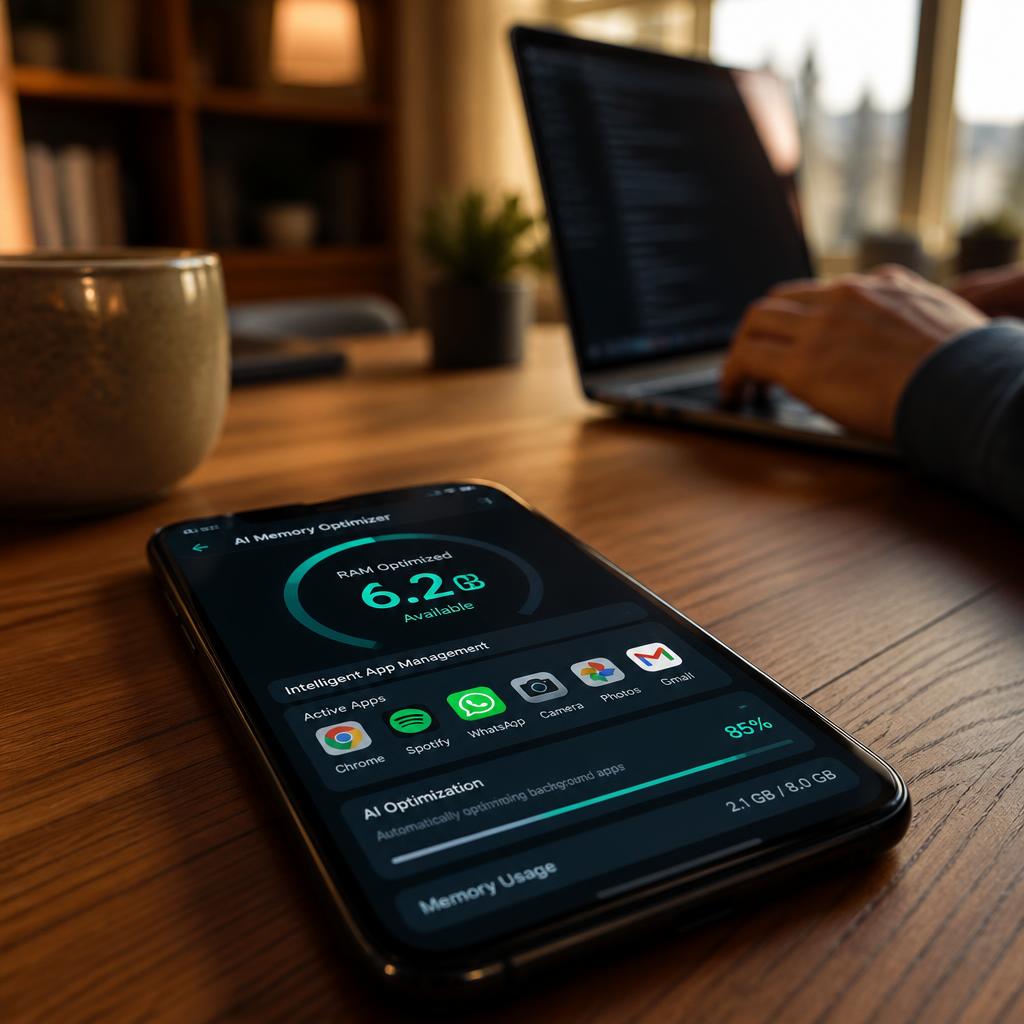
Why Your Phone Slows Down (Even With 8GB RAM)
You bought a phone with 8GB of RAM. On paper, that should be plenty.
But after a few weeks, it starts to stutter. Apps reload when you switch between them. Games drop frames. The keyboard lags.
The reason is simple: phone hardware has improved, but the way software manages memory hasn’t kept up with how much AI now runs in the background.
- Gemini Intelligence now requires at least 12GB of RAM to run Gemini Intelligence features thurrott.com
- AI models running on-device consume significant memory — on Pixel devices, AICore’s RAM usage can vary widely (sometimes just 1GB, sometimes much more) depending on which AI features are active.
- Apps are getting larger, background services are multiplying, and cache files keep growing
The old way of managing RAM — keeping recently used apps in memory until they’re needed, then killing them when memory runs low — is no longer enough.
This is where AI RAM management smartphones 2026 change everything. Instead of reacting to memory pressure, AI predicts what you’ll do next. It learns your habits, prioritizes apps intelligently, and keeps your phone feeling fast — without needing more RAM.
For a broader understanding of how AI optimizes smartphone performance, check out our guide on AI Offline Intelligence in Smartphones 2026.
What Is AI RAM Management?
AI RAM management means your phone uses artificial intelligence to decide which apps stay in memory, which ones get compressed, and which ones are put to sleep — all based on your usage patterns.
Old RAM Management vs AI RAM Management
| Feature | Old/Normal RAM Management | AI RAM Management (2026) |
|---|---|---|
| Decision making | Reactive (when memory fills up) | Predictive (learns your habits) |
| App prioritization | Based on recency | Based on your actual usage patterns |
| Background apps | Killed when memory is low | Intelligently frozen or compressed |
| App launch speed | Depends on memory availability | Predictive pre-loading |
| Multitasking | Apps reload frequently | Apps stay alive longer |
| Gaming performance | Drops frames under load | Stable frame rates, app-specific tuning |
| Cache management | Manual or none | Automatic AI cleanup |
| Learning | None / static | Learns daily, weekly, location patterns |
| Battery impact | Higher (apps reload frequently) | Lower (efficient management) |
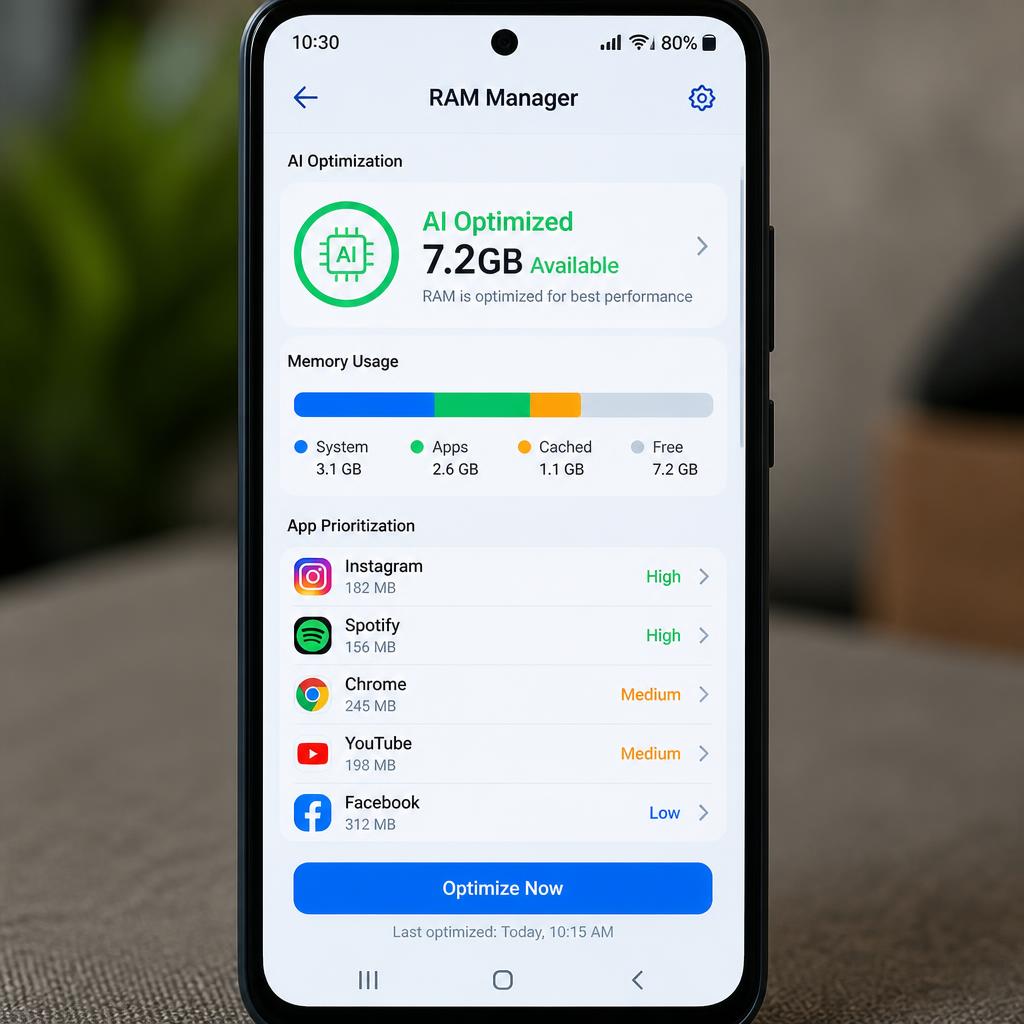
Why Phones Become Slow: The Hidden Culprits
Even with plenty of RAM, phones slow down for several reasons:
| Cause | Why It Happens |
|---|---|
| Too many apps | Each app uses memory, even in the background |
| Memory leaks | Apps don’t release memory properly after closing |
| Cache buildup | Temporary files accumulate over time |
| Background services | Apps constantly checking for updates |
| Heavy games | Games demand large amounts of RAM and processing power |
| Widgets | Live widgets refresh constantly, consuming resources |
| Notifications | Each notification triggers background processes |
According to Tech Advisor, AICore on Pixel devices permanently reserves several gigabytes of storage and RAM, regardless of whether you use the AI features or not. This hidden overhead can slow down older or lower-RAM devices.
How AI Optimizes RAM in 2026
AI RAM management smartphones 2026 use multiple intelligent techniques to keep your phone fast:
1. Predictive App Loading
AI learns which apps you typically open at different times of day and locations.
- Morning: News, email, calendar
- Work hours: Teams, documents, browser
- Evening: Social media, streaming, games
- Weekend: Different patterns entirely
The AI pre-loads these apps in the background so they launch instantly when you tap them.
2. Smart Cache Management
Cache files can quickly consume gigabytes of storage and slow down performance.
- AI identifies useful cache (frequently accessed data) and keeps it
- AI removes unnecessary cache (old, unused, or duplicated files)
3. Background App Prioritization
Instead of killing apps randomly when memory runs low, AI makes smart decisions:
| Priority Level | What AI Does |
|---|---|
| Critical | Apps you’re actively using — keep alive |
| Important | Apps you use frequently — compress memory |
| Low | Apps you rarely use — freeze or sleep |
| Idle | Apps not used in days — deep sleep |
4. Memory Compression
AI compresses the memory used by background apps, allowing more apps to stay open simultaneously without consuming additional RAM.
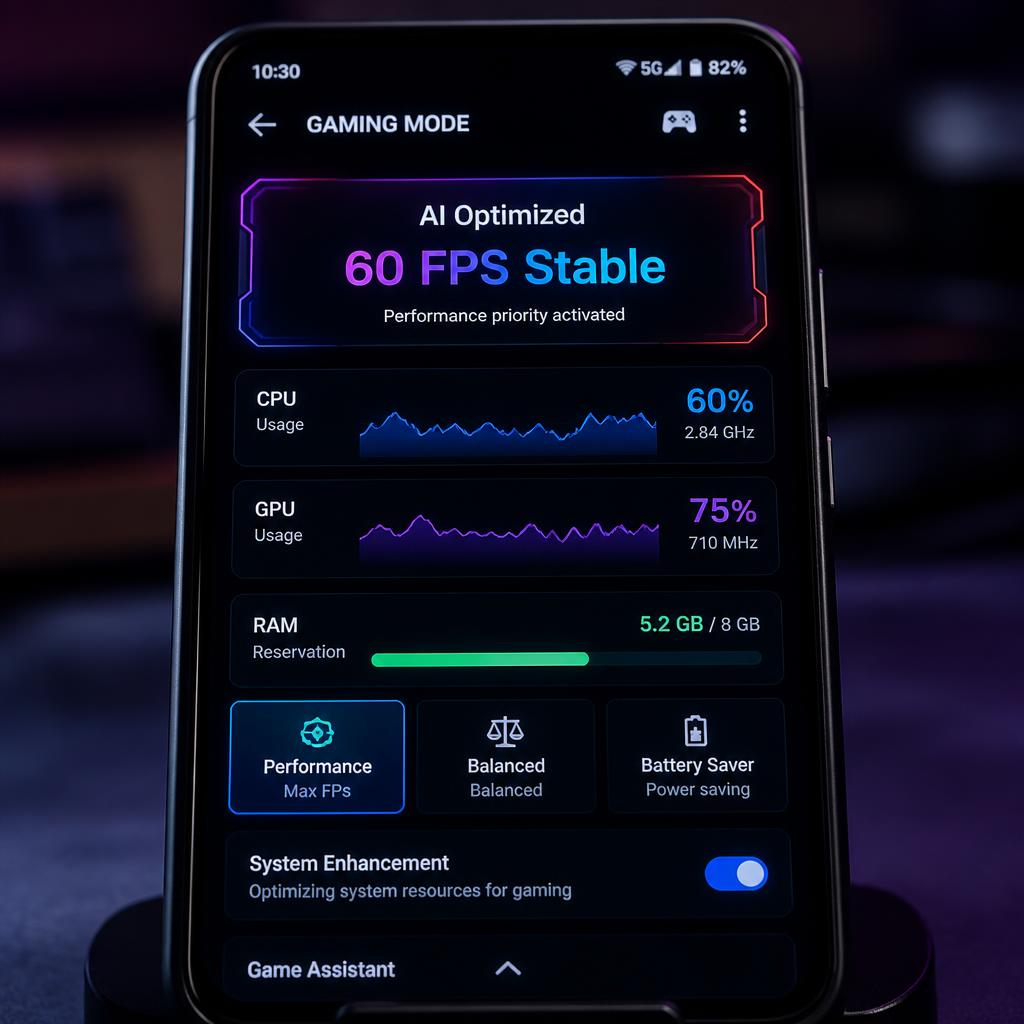
5. Gaming Optimization
AI reserves RAM specifically for games when you launch them, ensuring smooth frame rates and no lag.
- RAM reservation – Sets aside memory for game assets
- CPU/GPU optimization – Allocates processing power based on game requirements
- Frame stability – Predicts performance needs and adjusts in real time
The Samsung Galaxy S26 Ultra runs a customized chip with a 39% NPU performance gain and 24% GPU improvement, enabling always-on AI features without lag or battery drain.
Samsung’s own official claim.
6. AI Learning User Habits
The AI builds a profile of your usage patterns over time:
- Daily routines – When you wake up, commute, work, relax
- App sequences – Which apps you open together (e.g., maps + music during commute)
- Location-based – Work apps at the office, entertainment at home
- Seasonal patterns – Travel apps during holidays, fitness apps in summer
Real Examples of AI RAM Management in Action
Samsung Galaxy RAM Plus
Samsung’s RAM Plus feature uses internal storage as virtual memory. When you have multiple apps open, RAM Plus provides intelligent memory expansion by using storage as virtual memory, allowing you to have more apps open in the background and launch apps faster.
Google Pixel AICore
Google’s AICore system service leverages device hardware to enable low inference latency for on-device AI models like Gemini Nano. On the Pixel 10, Google allocates around 3GB of RAM exclusively to AICore and the Tensor chip’s AI processor, ensuring AI features respond instantly.
OnePlus AI Performance
OnePlus uses AI to learn app usage patterns and pre-load frequently used apps in the background, significantly reducing launch times.
Xiaomi HyperOS AI
Xiaomi’s HyperOS includes AI-driven memory management that identifies and restricts memory-hungry background processes, keeping the system responsive even during heavy multitasking.
Apple iPhone RAM Strategy
Apple is taking a different approach. For the iPhone 18 and 18e, Apple is reportedly planning to upgrade RAM to 9GB, according to analyst Ming-Chi Kuo, through a new 6-chip memory architecture to maintain performance for AI tasks. Apple also uses a special trick where entire 20-billion-parameter AI models reside in flash memory rather than RAM, solving the RAM scarcity problem.
Benefits of AI RAM Management
| Benefit | What It Means for You |
|---|---|
| Faster phone | Apps launch instantly, no lag |
| Less lag | Smooth scrolling and typing |
| Better multitasking | Switch between apps without reloading |
| Longer battery | Less CPU usage from constant app reloading |
| Better gaming | Stable frame rates, no stuttering |
| Less overheating | Efficient resource allocation reduces heat |
Limitations of AI RAM Management
No system is perfect. Here’s what to keep in mind:
- Needs AI chip – Phones without dedicated NPUs can’t run advanced AI RAM management
- Low RAM phones are limited – 8GB or less may struggle with both AI features and apps
- Heavy apps still consume RAM – Games and video editing apps demand significant memory regardless of AI
- Updates improve AI – AI models get better over time with software updates
Tecno’s EllaClaw AI agent can free up RAM to reduce lag, identify battery-draining apps, cool down the device, and even monitor mobile data consumption. However, these features work best on devices with dedicated AI hardware.
TECNO Showcases Expanded EllaClaw Capabilities, Advancing Practical Agentic AI that Gets Things Done
Best Smartphones for AI RAM Management
| Brand | Key AI RAM Features | AI Chip |
|---|---|---|
| Google Pixel | AICore, Gemini Nano, AICore, | Tensor G4 |
| Samsung Galaxy | RAM Plus, AI performance optimization | Snapdragon 8 Elite Gen 5 |
| Apple iPhone | Flash-based AI models, 9GB RAM (iPhone 18) | Neural Engine |
| OnePlus | Predictive app loading, AI memory management | Snapdragon AI engines |
| Xiaomi | HyperOS AI memory optimization | MediaTek Dimensity AI chips |
👉 Looking for a phone with great AI performance? Our Best Budget AI Smartphones in 2026 guide includes AI chip capabilities in its comparisons.
How to Enable AI RAM Management on Your Phone
For Samsung Galaxy Users
- Open Settings → Battery and device care
- Tap Memory → RAM Plus
- Toggle RAM Plus on and select the amount of virtual memory to allocate
For Google Pixel Users
- AICore runs automatically in the background
- To check, go to Settings → Apps → AICore
- Ensure it’s enabled for on-device AI processing
For OnePlus Users
- Open Settings → About phone → RAM
- Enable RAM Boost for intelligent memory expansion
For Xiaomi HyperOS Users
- Open Settings → Additional settings → Memory
- Enable Memory extension for virtual RAM
For iPhone Users
- iOS manages memory automatically
- Go to Settings → General → iPhone Storage to review app usage
- For AI features, ensure Apple Intelligence is enabled in Settings

Future of AI RAM Management
What’s coming in 2027 and beyond:
Self-Learning Memory
AI will continuously optimize memory allocation based on your evolving habits — no manual intervention needed.
Zero-Lag App Switching
Apps will load instantly because the AI will have already pre-loaded them in the background.
Cloud Prediction
AI will use cloud-based pattern recognition to predict which apps you’ll need, even on devices with limited local storage.
Dynamic Memory Allocation
RAM will be allocated dynamically based on current activity — more for gaming, less for reading.
AI Virtual RAM
Future phones may use cloud-based virtual RAM to handle the most demanding tasks, while keeping local RAM free for everyday use.
On-Device AI Without Compromise
Samsung’s upcoming UFS 5.0 storage is expected to offer significantly faster data transfer speeds with improved power efficiency, designed specifically for next-generation on-device AI applications. This means AI models will run faster and more efficiently, reducing the need for excessive RAM.
🔍 For a Deeper Dive into AI Performance
This guide covers the basics of AI RAM management. For more on how AI optimizes other aspects of your smartphone, read our guides:
👉 AI Offline Intelligence in Smartphones 2026 – How AI works without internet
👉 How Ai is Extend Smartphone Battery Life – How AI extends battery life
👉 AI App Permission Control in Smartphones 2026 – How AI manages app access
FAQ: Your AI RAM Management Questions Answered
Q1. What is AI RAM management in smartphones?
AI RAM management uses artificial intelligence to predict which apps you’ll open, prioritize memory allocation, and optimize performance — all without you doing anything.
Q2. Can AI really make my phone faster without more RAM?
Yes. AI optimizes how existing RAM is used — pre-loading apps, compressing background processes, and learning your habits to keep the phone feeling fast.
Q3. Which phones have the best AI RAM management?
Google Pixel (Tensor AI), Samsung Galaxy (Snapdragon AI + RAM Plus), and Apple iPhone (Neural Engine) lead the market. Mid-range models from these brands also offer good AI optimization.
Q4. Does AI RAM management use more battery?
No. AI RAM management actually saves battery by reducing the need for apps to constantly reload, which consumes CPU power.
Q5. Can I disable AI RAM management?
Most AI features run automatically in the background. Some brands allow you to adjust settings (like Samsung’s RAM Plus), but disabling core AI services may reduce performance.
Q6. Is AI RAM management available on budget phones?
Basic AI optimization is available on budget phones, but advanced features (predictive loading, gaming optimization) require dedicated AI chips (NPUs).
Q7. How much RAM do I need for AI features in 2026?
Gemini Intelligence requires at least 12GB of RAM. For basic AI optimization, 8GB is still sufficient.
Q8. Does AI RAM management work offline?
Yes. All AI optimization happens on-device using the NPU. No internet required.
Your Phone Is Becoming Smarter Than Its Hardware
In 2026, your smartphone’s performance isn’t just about how much RAM it has — it’s about how intelligently that RAM is managed.
AI RAM management smartphones 2026 learn your habits, predict your needs, and keep your phone running smoothly without you ever noticing.
When you choose your next phone, don’t just look at the RAM number. Ask:
- Does it have a dedicated NPU for AI processing?
- Does it offer predictive app loading?
- Can it optimize gaming performance?
- Are AI memory features enabled by default?
That’s the real difference in 2026 — RAM still matters, but how intelligently it’s managed matters just as much.
💬 Join the Conversation
Have you noticed your phone getting slower over time? Have AI features made a difference?
Share your experience in the comments below — I read and respond to every message.
Founder of Baqir Digital Hub
Baqir has been helping beginners understand AI and smartphone optimization since 2024. His work focuses on making complex tech simple, practical, and actionable for everyday users.
🔗 Related Guides on AI Smartphone Features
- AI Offline Intelligence in Smartphones 2026
- How Ai is Extending Smartphone Battery Life 2026
- AI Privacy Protection in Smartphones 2026
- AI App Permission Control in Smartphones 2026
- AI Biometric Security in Smartphones 2026
- Best Budget AI Smartphones in 2026

Baqir Ali is the Founder of Baqir Digital Hub and a passionate SEO, AI, and Blogging specialist. With years of experience in digital marketing, he helps beginners and professionals grow online using smart content strategies, AI tools, and SEO best practices. His mission is to simplify technology and help people build sustainable online income.